201
5
Editing and Printing Images
16
Use the four-way controller (23) to choose [Select
image(s)].
17
Press the four-way controller (5).
The images to be selected appear.
18
Use the four-way controller
(45) to choose the image to
include and press the 4
button.
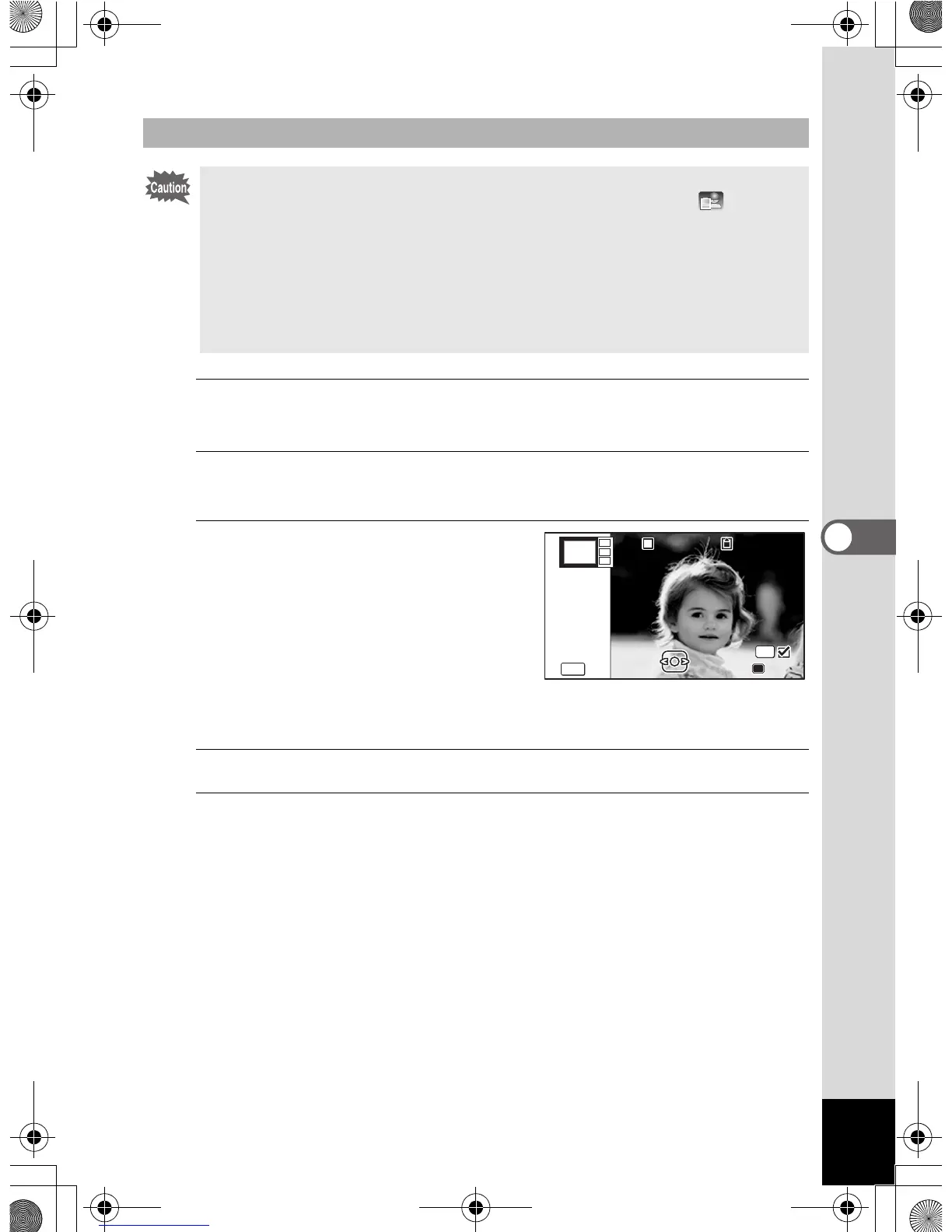
The selected image is placed in the
highlighted area in the guide. The
guide appears on the top left of the
monitor.
19
Repeat step 18 to lay out the rest images.
20
Press the 9 button.
Returns to the item selection screen.
Laying Out the Image
• The collage function cannot be used on the following images.
- Movies or images taken with F (Digital Panorama) or (Report)
modes
- Images that have recorded pixels of l, or m
- Images taken with other cameras
These images do not appear as selectable items.
• If you select an image with a 16:9 aspect ratio, the black areas appear
above and below the image.
100



 To Next Page
 Loading...








