305
9
Appendix
Using the GPS
You can record GPS data (latitude, longitude, altitude, or date etc.) onto
images you take. To record them, set [GPS Setting] to O (On).
Set [GPS Setting] to O (On) before setting [Logging] (p.306) and [Auto Time
Synch.] (p.308) settings.
1
Press the 3 button in Q mode.
[W Setting] menu appears.
When you press the 3 button in A mode, press the four-way
controller (5) once.
2
Use the four-way controller (23) to select [GPS].
3
Press the four-way controller (5).
[GPS] screen appears.
4
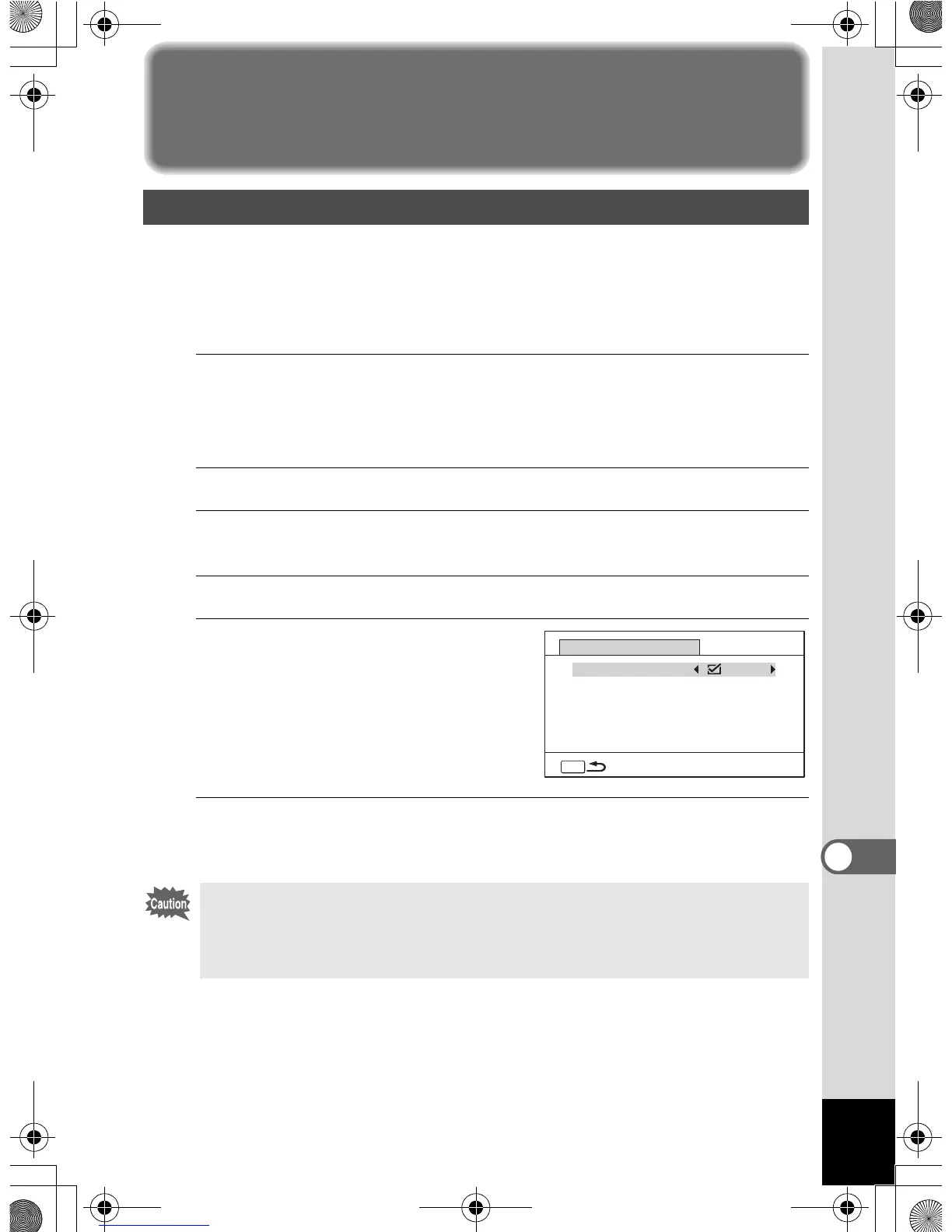
Use the four-way controller (23) to select [GPS Setting].
5
Use the four-way controller (45)
to switch between O (On) or P
(Off).
O(On) Records GPS information
onto images
P (Off) Does not record GPS
information onto images
6
Press the 3 button twice.
The camera returns to A mode or Q mode.
Recording GPS data onto images
• Only when is displayed on the capture mode screen, the GPS
information can be recorded onto images.
• If [GPS Setting] is set to O (On), the camera performs positioning
regularly even if it is turned off, which reduces the battery life.
MENU
Logging
GPS Setting
GPS
Auto Time Synch.
Off
Off
GPS



 To Next Page
 Loading...








