143
3
Taking Pictures
Press the Green button in the shooting mode to display the Fn Setting
screen. Select an item with the four-way controller (2345), and press
either the (23) or (45) four-way controller to change the settings.
You can give the image sharp or soft outlines.
1
Press the 3 button in A mode.
The [A Rec. Mode] menu appears.
2
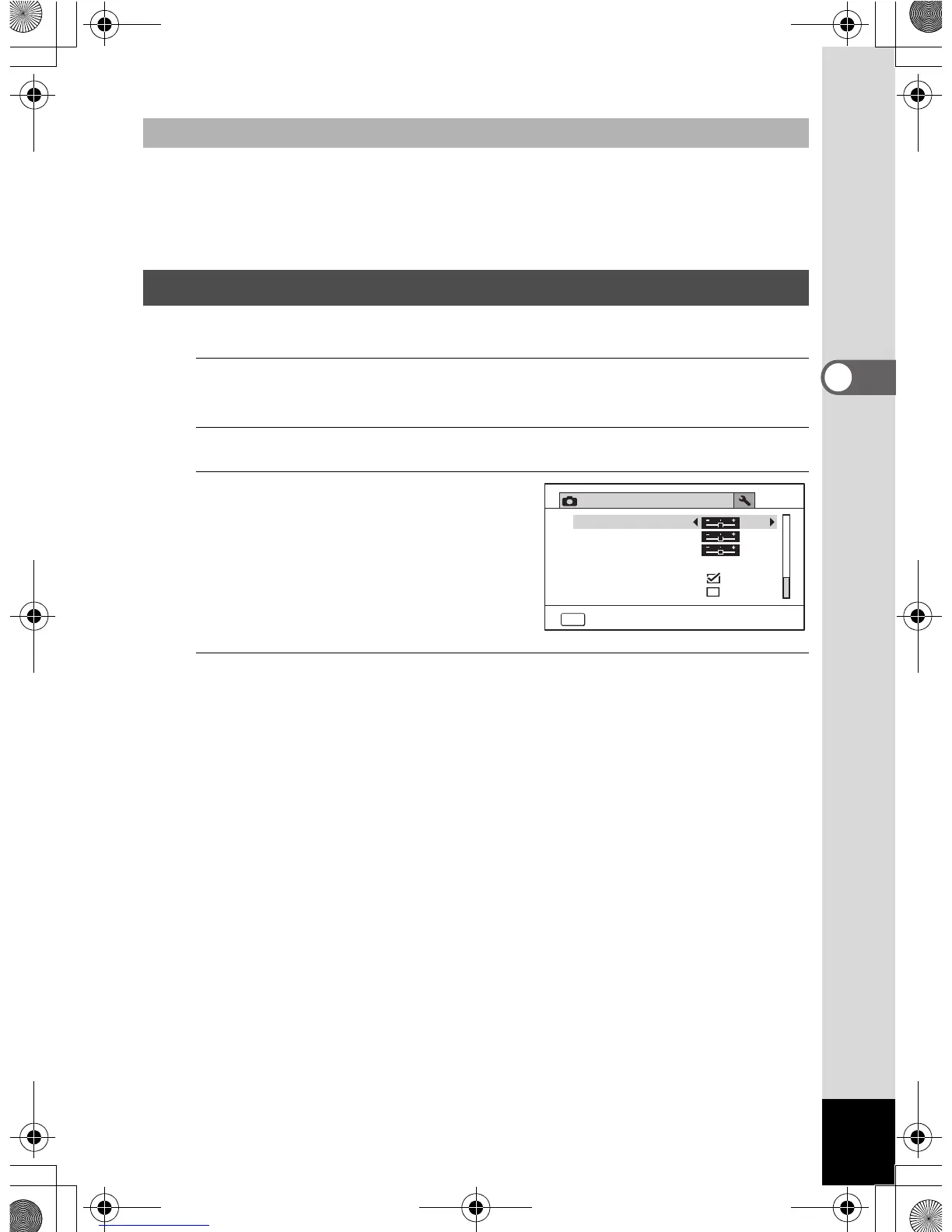
Use the four-way controller (23) to select [Sharpness].
3
Use the four-way controller
(45) to change the
sharpness level.
F Soft
G Normal
H Sharp
4
Press the 3 button.
The setting is saved and the camera returns to capture mode.
Changing Assigned Items
Setting the Image Sharpness (Sharpness)
Rec. Mode
4/4
MENU
Exit
Saturation
Date Imprint
Macro Light
Off
Contrast
Sharpness
IQ Enhancer
OptioWG1_eng.book Page 143 Friday, March 11, 2011 4:10 PM



 To Next Page
 Loading...








