30
* When there is an area on the screen that is overexposed so that it
appears white, the indicated area blinks red as a warning. Similarly,
when there is an area that is underexposed so that it appears black,
the indicated area blinks yellow as a warning.
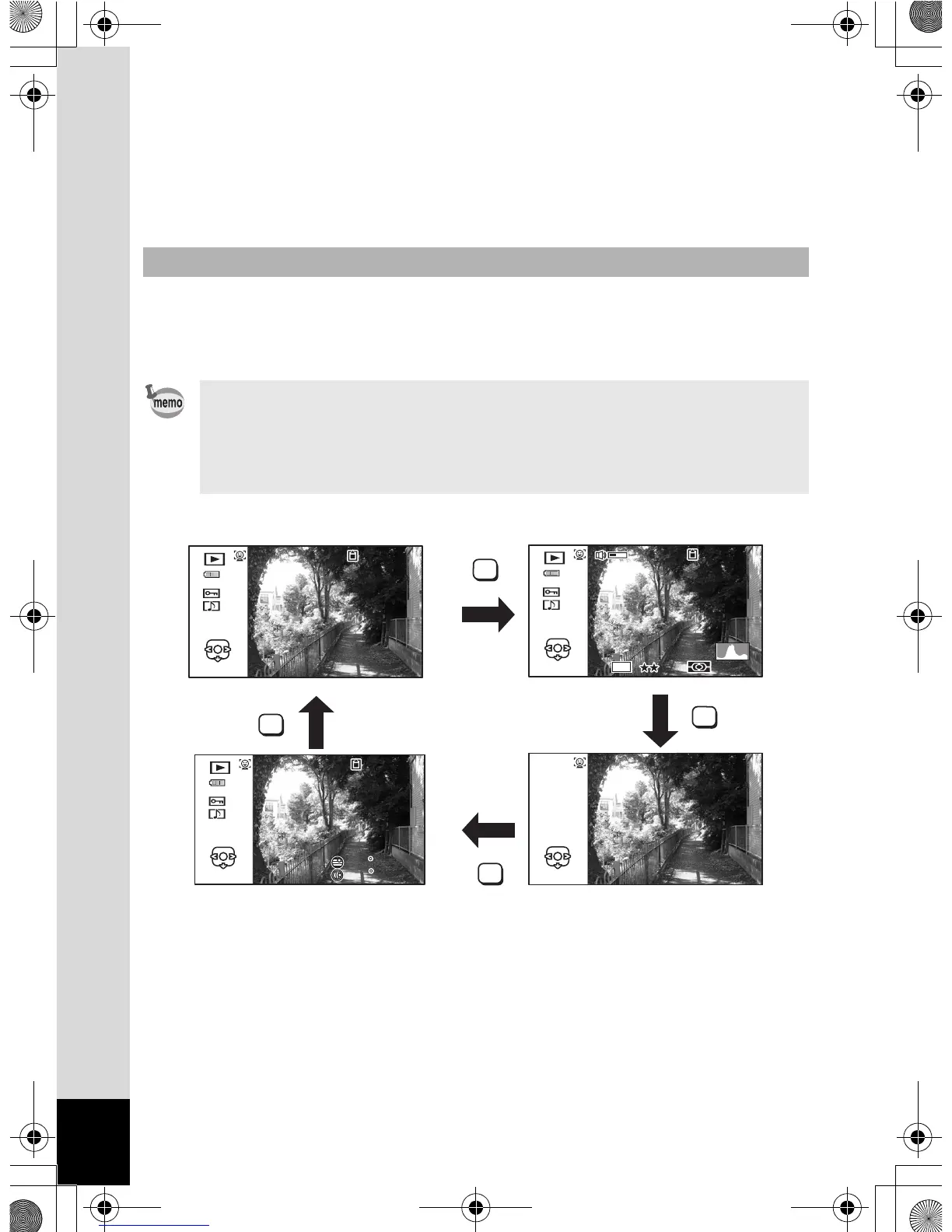
The display shows the shooting information of the image in the playback
mode. The display changes in the following sequence each time you
press the 4/W button:
Display in Q Mode
• The display cannot be changed by pressing the 4/W button
while playing back a voice memo/movie or pausing playback.
• Only the Optio WG-1 GPS can display GPS information.
If you are using the Optio WG-1, the display changes to the normal
display by pressing the 4 button at no info display.
OK
OK
OK
OK
Edit
100
02/02/'11
14: 25
:
00
GPS
Normal Display Histogram + Info
No InfoGPS information display
OptioWG1_eng.book Page 30 Friday, March 11, 2011 4:10 PM



 To Next Page
 Loading...








