125
3
Taking Pictures
You can choose recorded pixels settings for still pictures.
The larger the number of recorded pixels, the clearer the details will appear
when you print your picture. As the quality of the printed picture also
depends on the image quality, exposure control, resolution of the printer,
and other factors, you do not need to select more than the required number
of recorded pixels. h is adequate for making postcard-size prints. The
more pixels there are, the larger the picture and the bigger the file size.
Refer to the following table for the appropriate settings according to
expected usage.
• The default setting is g.
• V (1280×960) can only be set for recorded pixels when (Report) mode is set.
V does not appear in the Recorded Pixels menu.
Selecting the Number of Recorded Pixels
Recorded Pixels Expected Usage
g4288×3216
For printing high quality photos or A4-size pictures or
larger, or editing images on a computer.
j3216×3216
i4224×2376
63072×2304
3072×1728
f2592×1944
2592×1464
h2048×1536
h1920×1080
For making postcard-size prints.
V1280×960
l1024×768
m640×480
For posting on a website or attaching to e-mail.
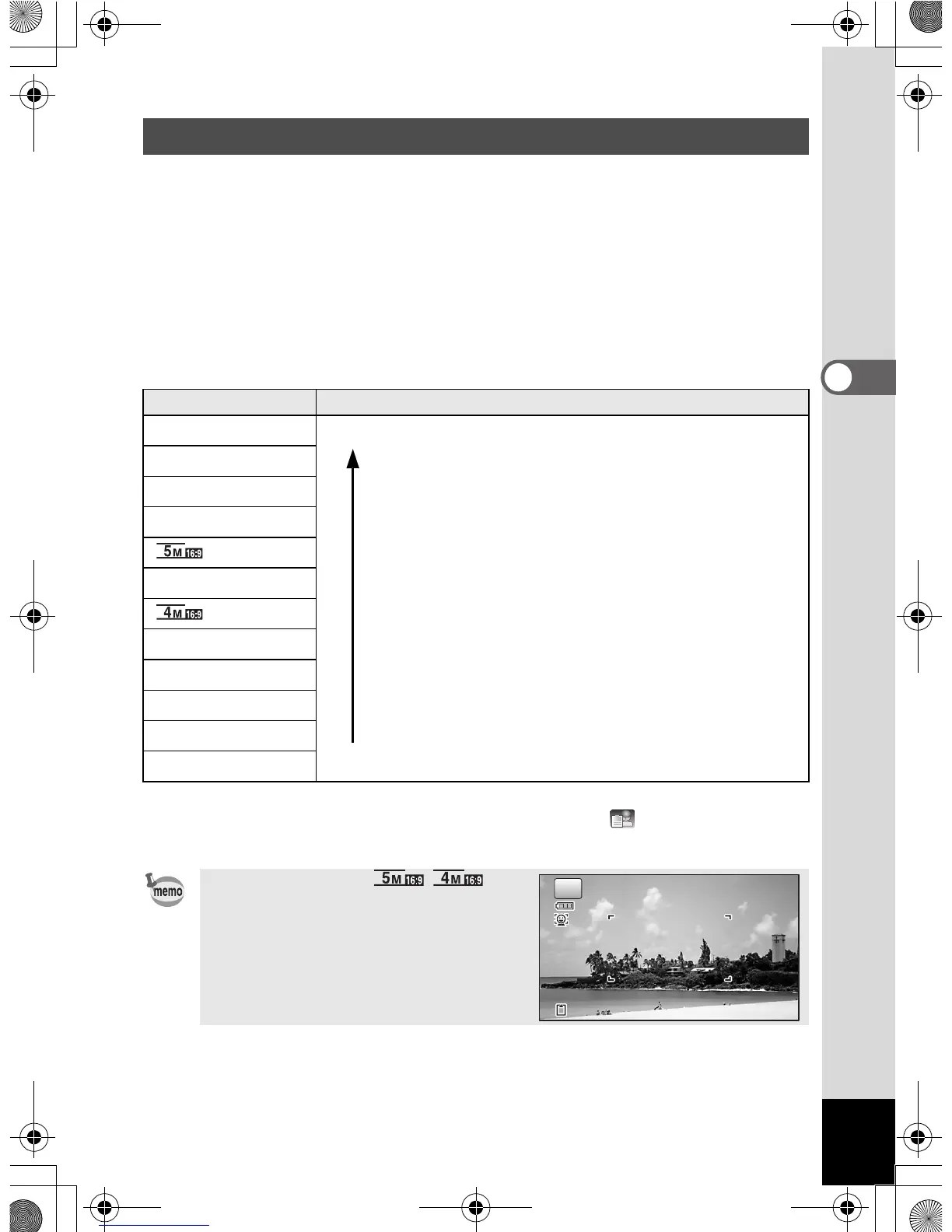
If you select i///
h, the aspect ratio of the screen is
16:9. The monitor display for recording
and playback is as shown on the right.
Clearer
38



 To Next Page
 Loading...








