24
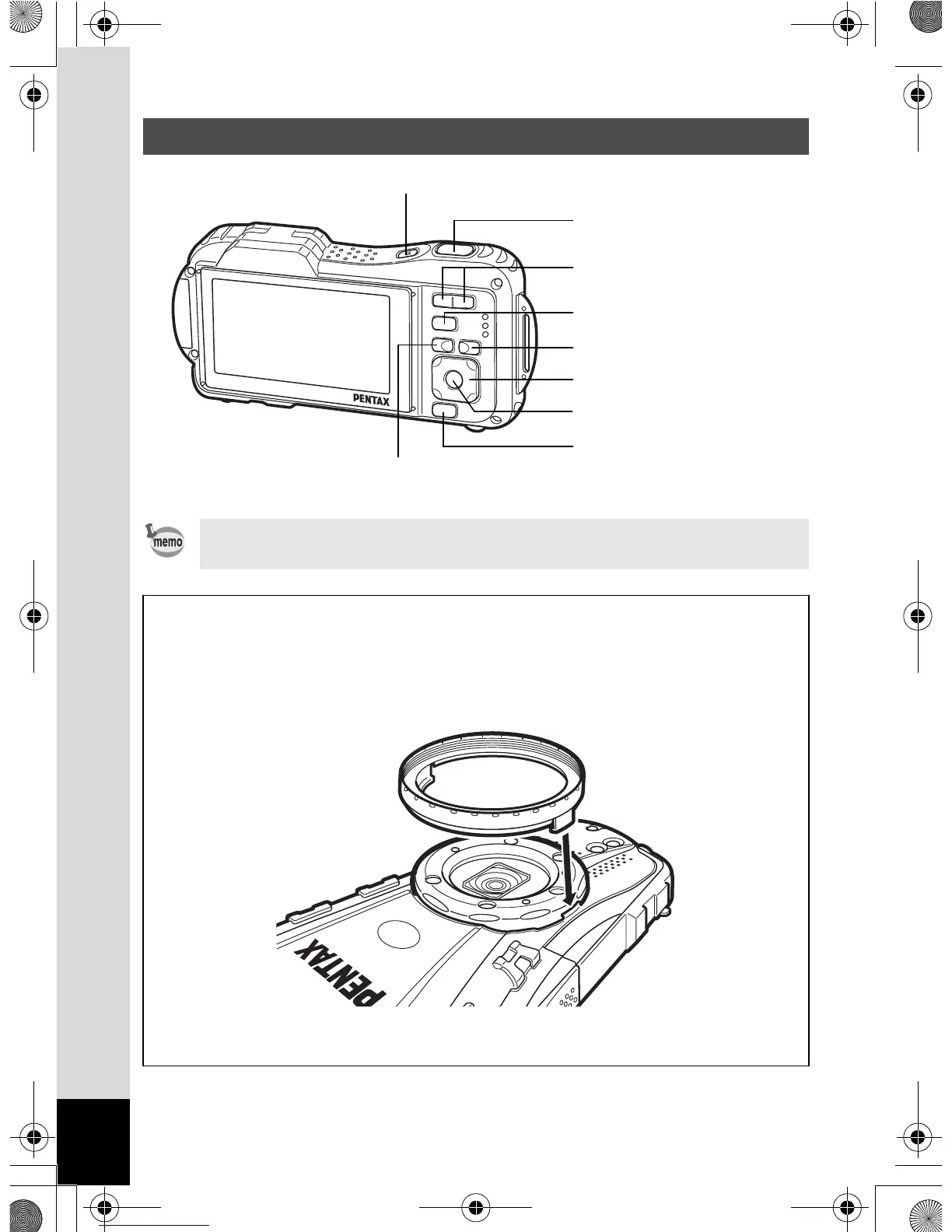
Names of Operating Parts
Refer to “Understanding the Button Functions” (p.60 - 63) for an
explanation of the function of each button.
Macro stand
Attaching the supplied macro stand (O-MS1) reduces camera shake during
shooting in Digital Microscope mode (p.106). Insert the two clips above and
below the macro lights part. When attaching and detaching the macro stand, do
not hold the clip part.
* When using the macro stand, the camera may not be able to focus if the
objects have asperities protruding toward the lens.
4/W button
3 button
Four-way controller
Green/i button
Power switch
I button
Q button
w/x/f/y button
Shutter release button
OptioWG1_eng.book Page 24 Friday, March 11, 2011 4:10 PM



 To Next Page
 Loading...








