272
8
Connecting to a Computer
1
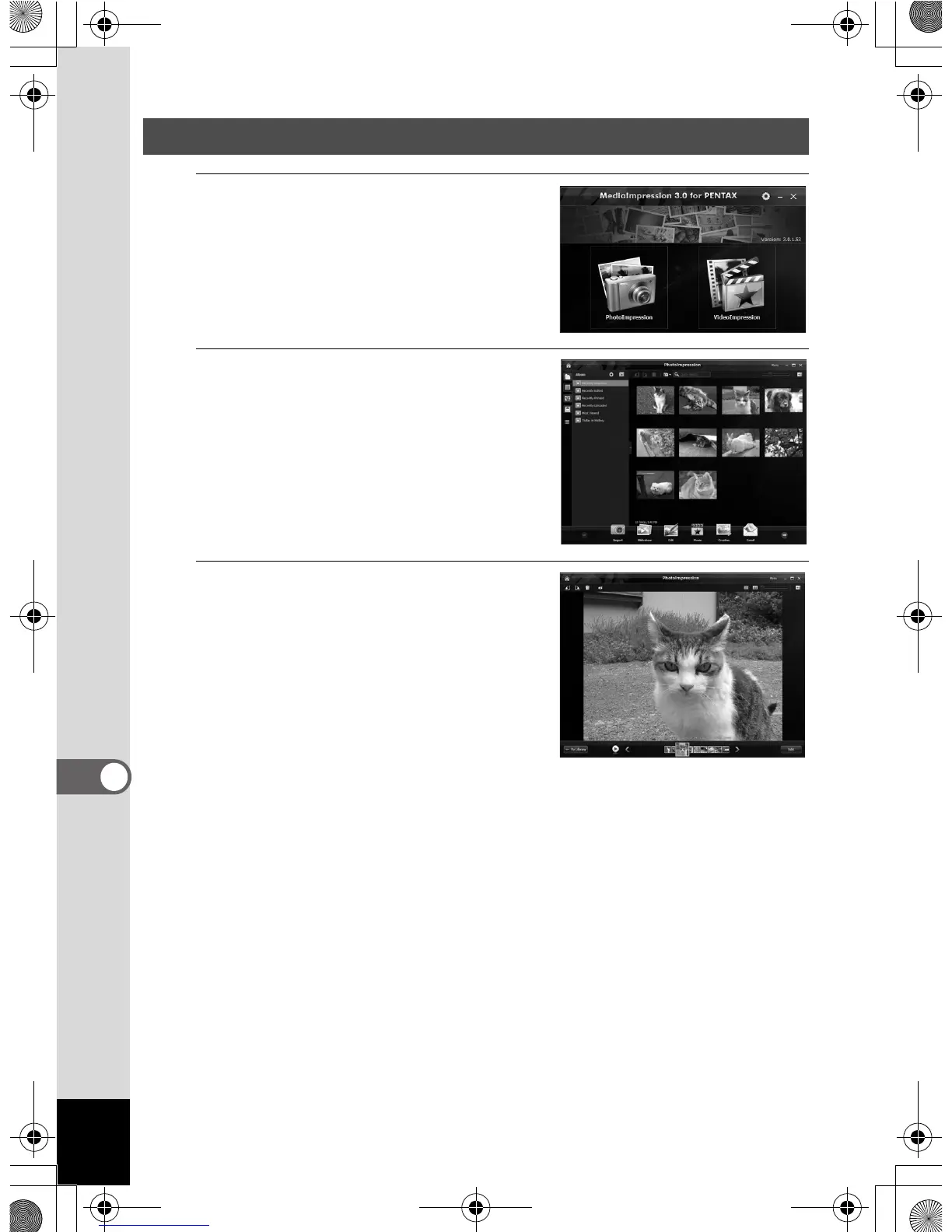
Click [PhotoImpression] or
[VideoImpression] from the
main window.
2
Select and click the folder or
the group containing the image
you want to view.
Images are displayed.
3
Select and double-click the
image you want to view.
The selected image is displayed with
the viewer.
With the viewer, you can enlarge/
reduce the display size of the image or
edit it and so on. You can also play back
movies or sound files.
Double-click the image to view it at full screen.
Viewing Images
OptioWG1_eng.book Page 272 Friday, March 11, 2011 4:10 PM



 To Next Page
 Loading...








