151
5
Editing and Printing
2
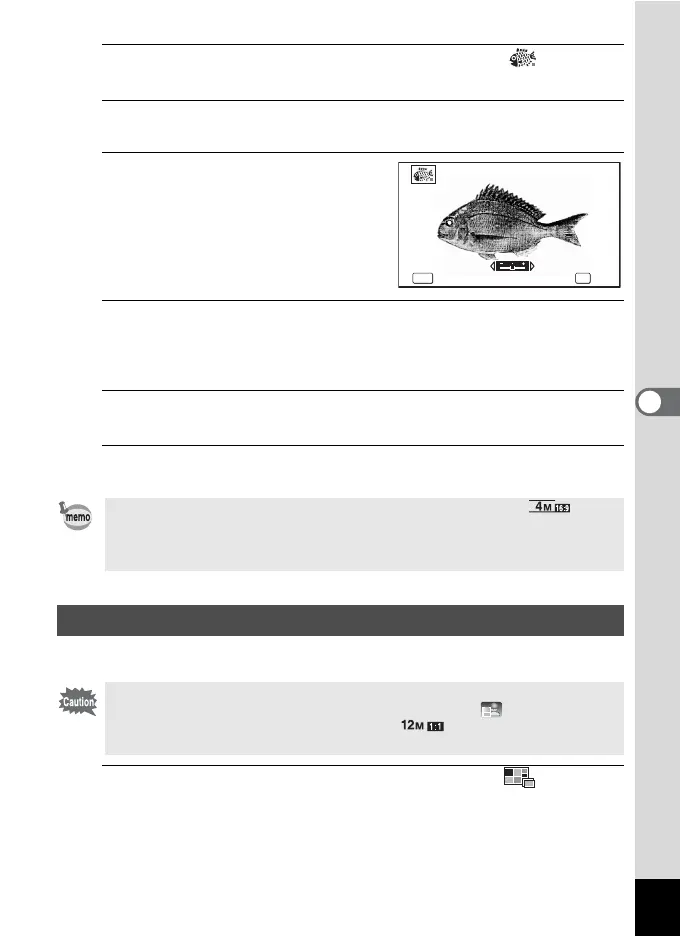
Use the four-way controller (2345) to select (Ink
Rubbing Filter) from the Playback Mode Palette.
3
Press the 4 button.
The preview image of the result of the filter effect appears.
4
Use the four-way controller (45)
to choose the effect.
You can adjust the effect in five levels.
F Weak
G Standard
H Strong
5
Press the 4 button.
A confirmation dialog for overwriting the image appears.
If the selected image is protected, the processed image is saved as a new image
and the confirmation dialog does not appear.
6
Use the four-way controller (23) to select [Overwrite] or
[Save as].
7
Press the 4 button.
The image processed with the filter is saved.
Make a collage image by placing captured images on a selected pattern.
1
Use the four-way controller (2345) to select (Collage)
from the Playback Mode Palette.
• The processed image is saved with the recorded pixels of f/.
• When there is little contrast between the object and the background, the
shape of the object may not be sharp depending on the conditions of the
original image.
Creating a Collage Image
The Collage function cannot be used on the following images.
• Movies or images taken in F (Digital Panorama) or (Report) mode
• Images taken with the recorded pixels of , l, or m
• Images taken with other cameras
㝼ᜏࡈࠖ࡞࠲
MENU
OK
MENU OK
Cancel OK
Ink Rubbing Filter



 To Next Page
 Loading...









