Advanced
115 IOLAN DS1/TS2 User’s Guide, Version 4.3
Modems Tab
Overview
You need to configure a modem if there is a modem connected to the IOLAN.
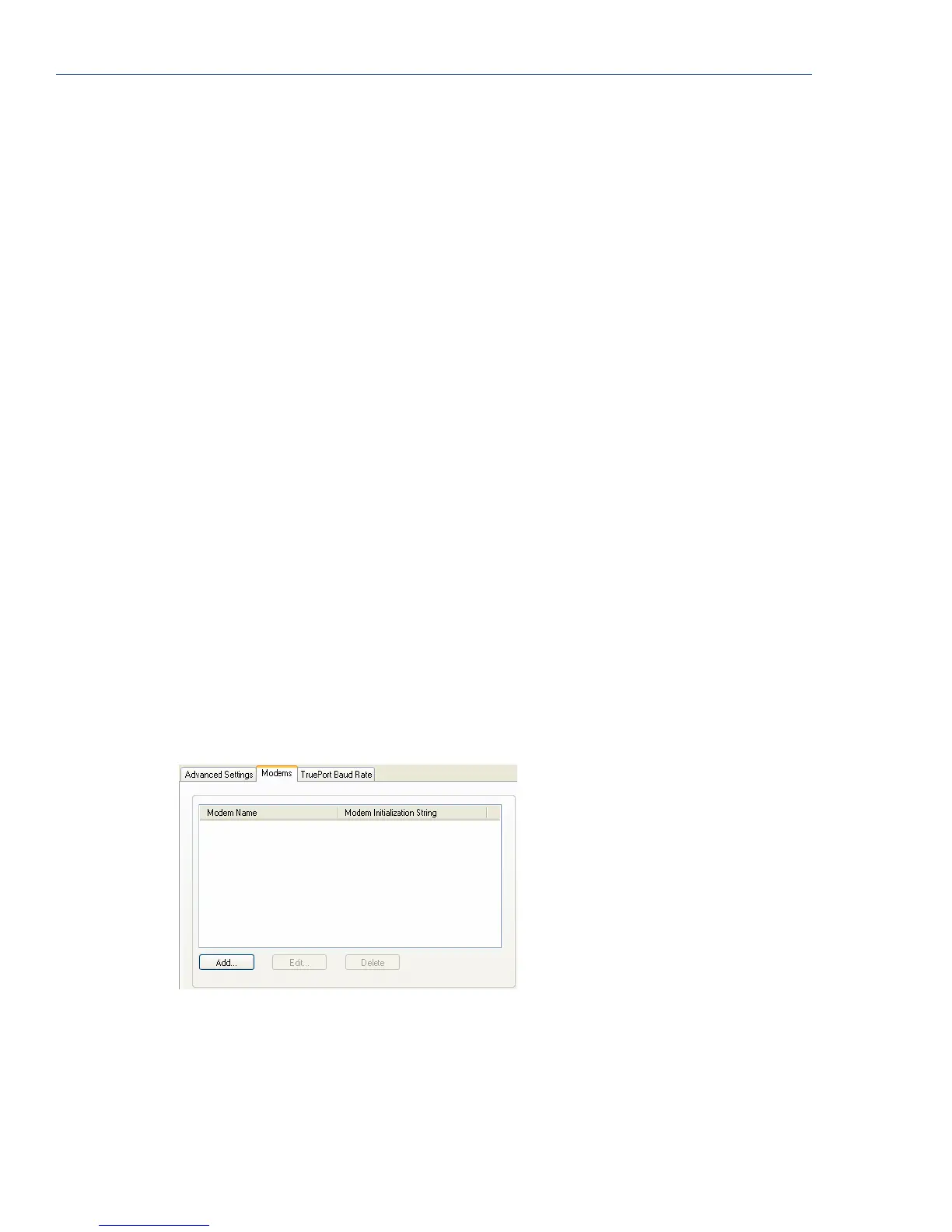
When you click on the Modems tab, you will see the following:
If any modems have been configured, they will be displayed.
Adding/Editing a Modem
You can add new modems or edit existing modems through the following window:
Data Logging
Buffer Size
The minimum data buffer size for all models is 1 KB. The maximum data
buffer is 2000 KB for the DS1/TS2/STS8D, all other models are 4000 KB. If
the data buffer is filled, incoming serial data will overwrite the oldest data.
Note: A kill line or a reboot of the IOLAN causes all buffered data to be
lost
Values: 1-2000 KB (DS1/TS2/STS8D) - default is 4 KB
Values: 1-4000 KB (all other models) - default is 256 KB
The Data logging feature is a valid option for the TruePort Profile on page 73
and TCP Sockets Profile on page 80.
Pre V4.3G Data
Logging Mode
Enable the data logging feature previous to V4.3G firmware.
Default: Disabled
Status Interval Specify how often, in seconds, the IOLAN will send a TCP Keepalive to
services that support TCP Keepalive.
Default: 180 seconds
Retry Interval Sets the maximum time to wait for a response after sending a TCP keepalive
message.
Values: 1-32767 seconds
Default: 5 seconds
Retry Attempts The number of TCP keepalive retries before the connection is closed.
Values: 1-32767
Default: 5



 To Next Page