Navigating DeviceManager/WebManager
55 IOLAN DS1/TS2 User’s Guide, Version 4.3
Navigating DeviceManager/WebManager
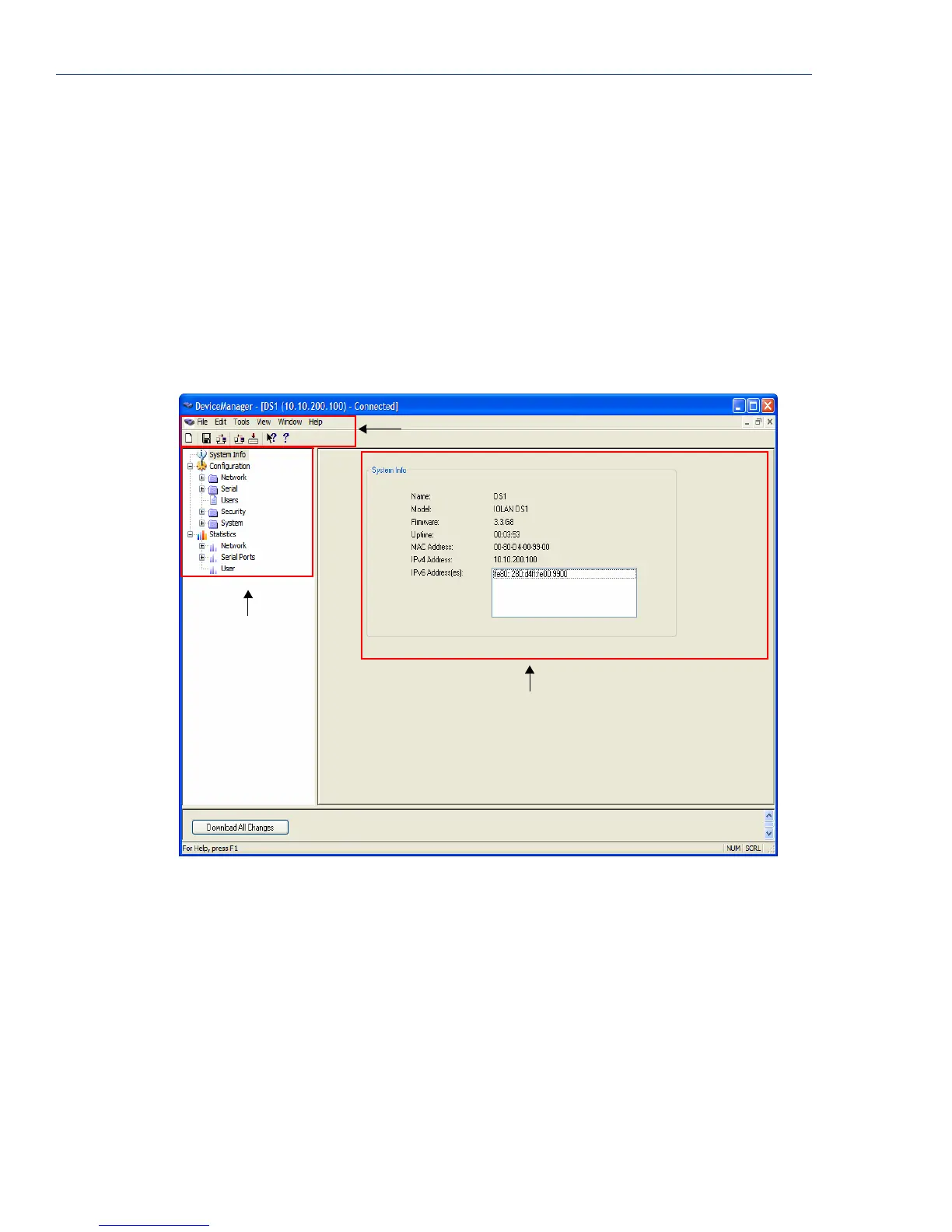
The DeviceManager and WebManager have very similar navigation methods. The left-hand side of
the manager is the navigation tree and the center is the configuration area. The DeviceManager has
menu and quick access buttons, whereas the WebManager has system information and some
navigation options on the far right-hand side.
DeviceManager
The DeviceManager has a navigation tree that you can use to access the available Configuration and
Statistics pages in the display area. When you select an option in the navigation tree, you can often
navigate the tabs or buttons in the display area to access the various configuration and statistics
options. See
Using DeviceManager on page 35 for more information on how to navigate the pages of
DeviceManager.
Menu/Quick Access Buttons
Navigation Tree
Display Area



 To Next Page