Setting Up Users
53 IOLAN DS1/TS2 User’s Guide, Version 4.3
Setting Up Users
When you have a user who is accessing a device connected to a serial port from the network or who
is accessing the network from a device connected to a serial port through the IOLAN, you can create
a user account and configure the user’s access privileges. Notice that there is a Default user; the
Default user’s parameters are inherited by users accessing a serial port configured for the
Terminal
profile with the
Connect to remote system option enabled.
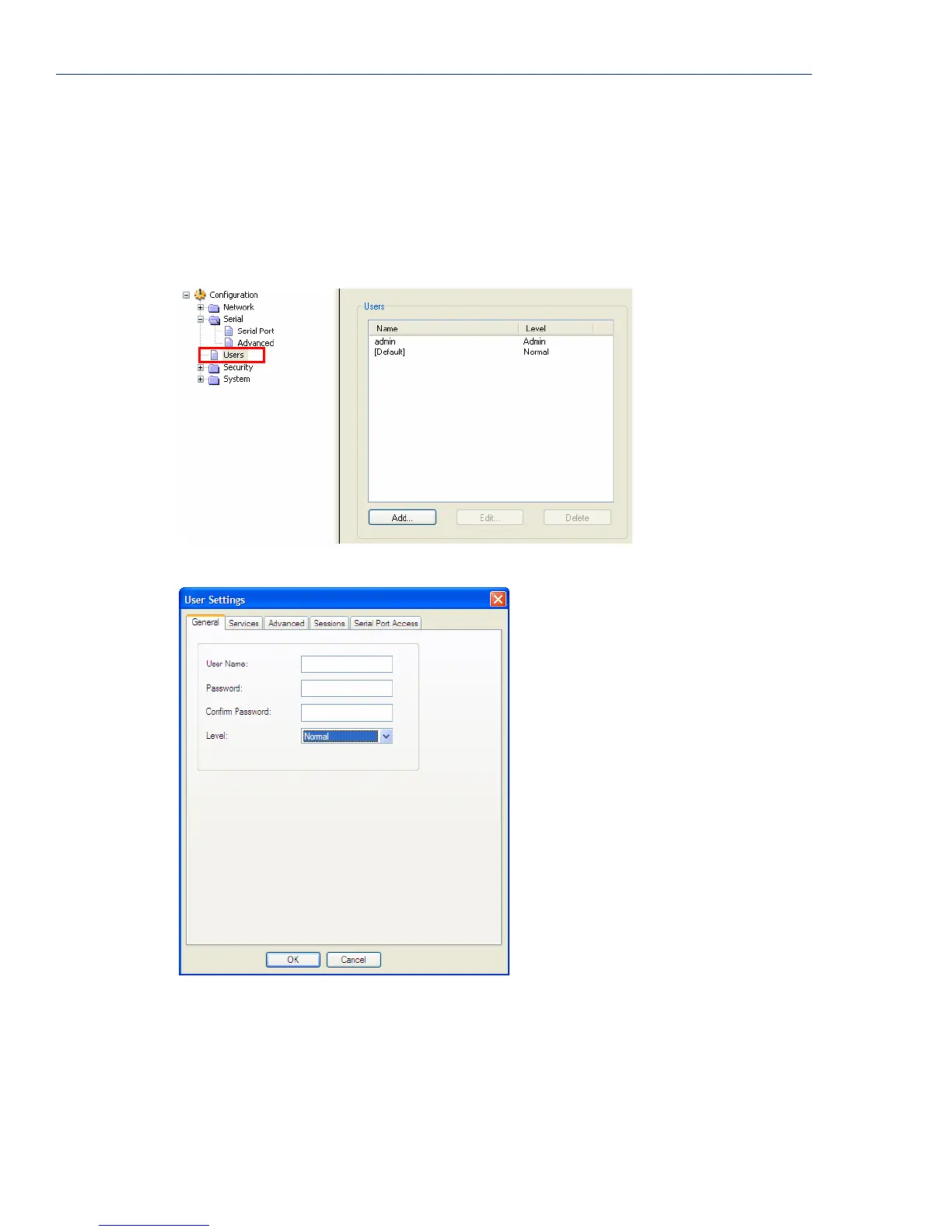
To add a user account, click on the Users page in the navigation pane.
Click the Add button to create a user account.
To quickly add a user, fill out the field in the General tab and click OK.
See Chapter 8, Configuring Users on page 126 for more information about the other user parameters
you can configure.



 To Next Page