Host Name
IP Address
124
Advanced
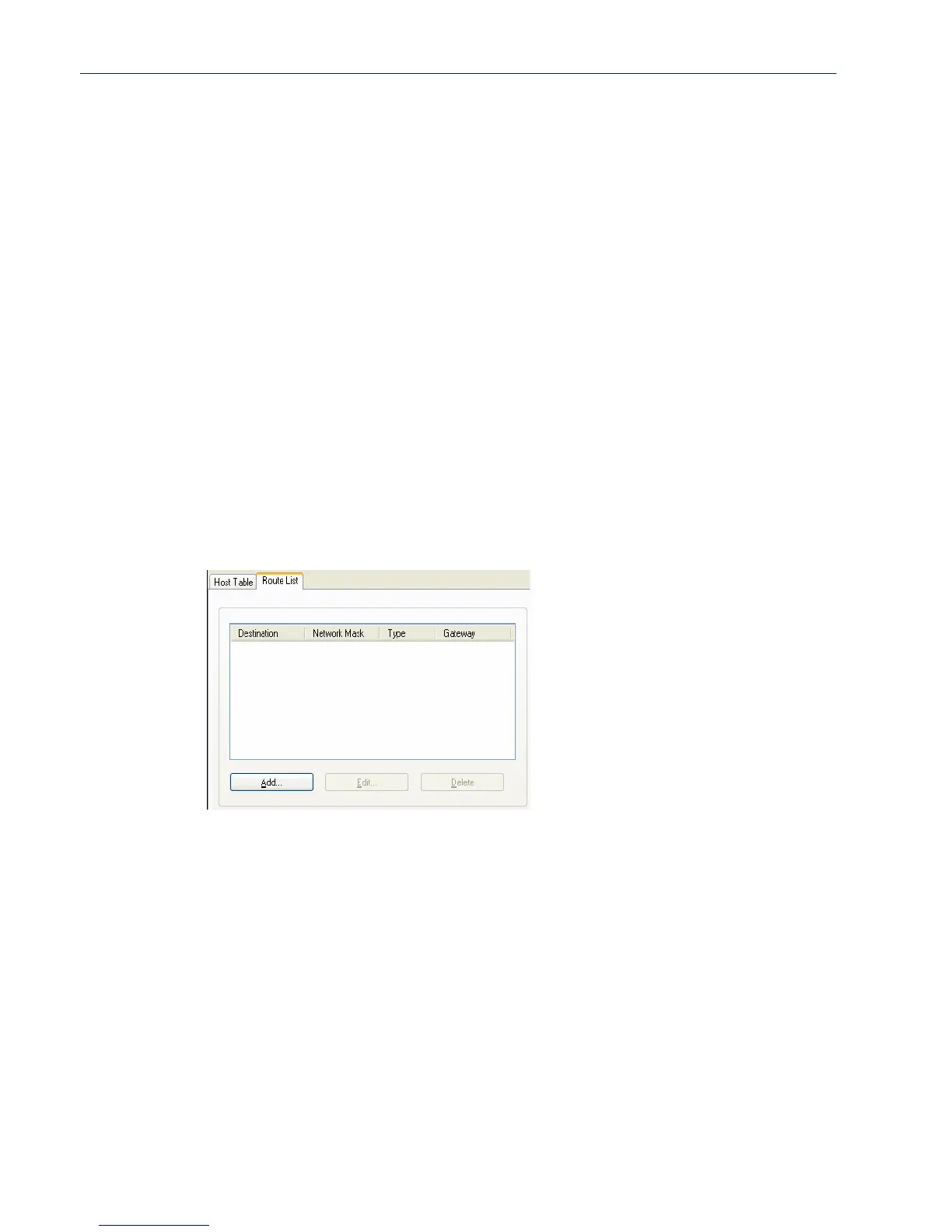
Route List
Overview
Entering routes in the routing list enables the identification of gateways to be used for accessing
specific hosts or external networks from the IOLAN's local network.
Functionality
There are three types of routes:
z Default—A route that provides general access beyond your local network.
z Host—A route defined for accessing a specific host external to your local network.
z Network—A route defined for accessing a specific network external to your local network.
You can specify up to 20 routes on desktop IOLAN models.
Field Descriptions
The following buttons are available:
Add Button
Edit Button
Delete Button
Adding/Editing Routes
From the Route List tab, if you click the Add or Edit button, you will be able to add a new or edit an
existing route.
The name of the host. This is used only for the IOLAN configuration.
Text Characteristics: Up to 14 characters, no spaces.
The host’s IP address.
Text Characteristics: IPv4 or IPv6 Address
Adds a route to the Route List.
Changes an existing route in the Route List.
Deletes a route from the Route List.



 To Next Page