IOLAN DS1/TS2 User’s Guide, Version 4.3 190
Controlling the I/O
Channels Chapter 12
12
Introduction
The Control section appears when the IOLAN is connected to an I/O model.
I/O Channels
Overview
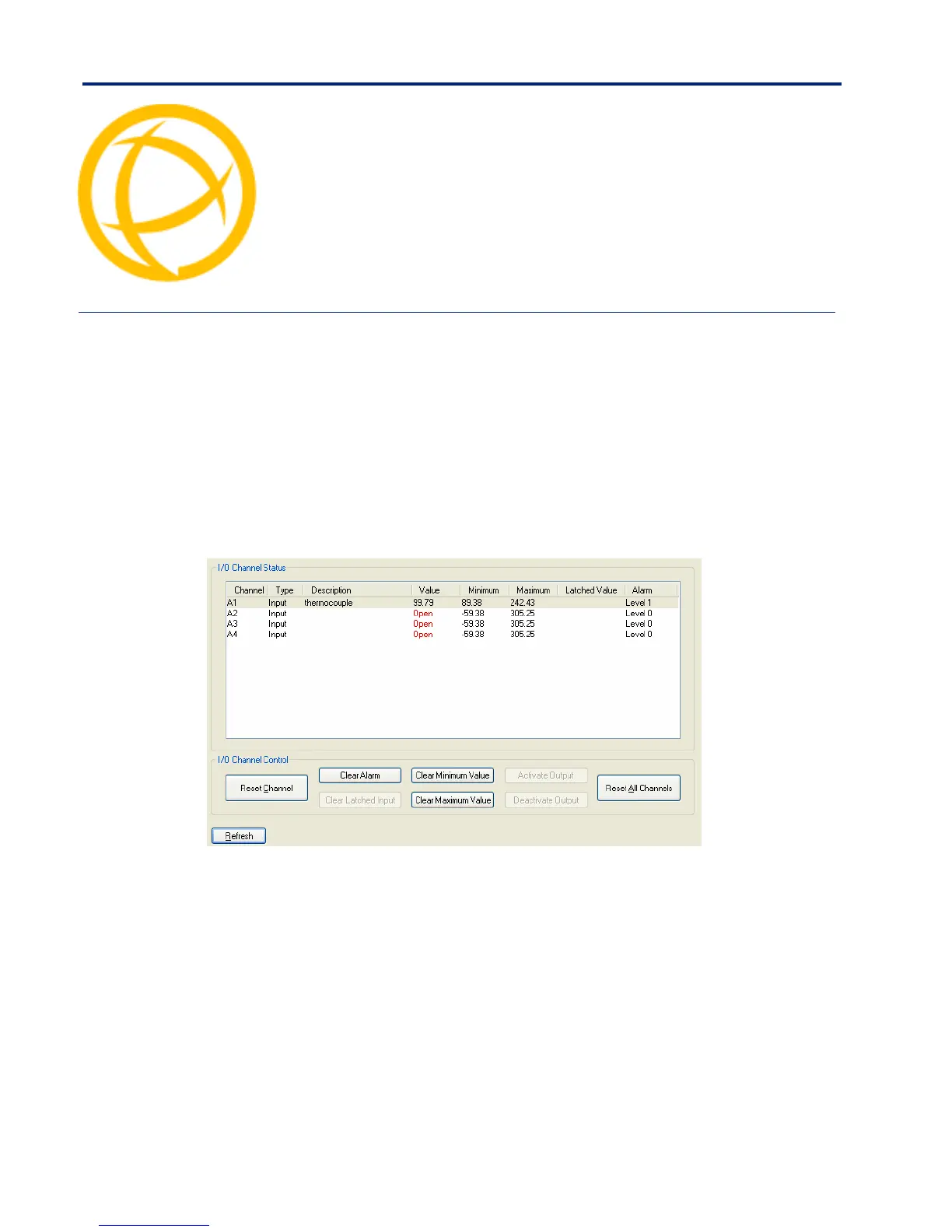
When the DeviceManager is connected to an I/O model IOLAN, the I/O Status/Control option is
available. You can view the I/O status and manually control such options as clearing alarms, clearing
minimum/maximum values, resetting the channel(s), and activating/deactivating output.
The following buttons are available:
Reset Channel
Button
Resets the highlighted channel (click on a channel to highlight it).
Clear Alarm
Button
Clears the alarm. Note that if the condition that tripped the alarm still exists, the
alarm will not look like it’s cleared, but will reflect the appropriate alarm level
severity. Alarm Level 0 means that the alarm has not been triggered.
Clear Latched
Input Button
Clears the latched value.
Clear Minimum
Value Button
Clears the minimum value.
Clear Maximum
Value Button
Clears the maximum value.



 To Next Page