AxN Configurable Motion Control Platform
19
3.4 Installation Orientation and Spacing
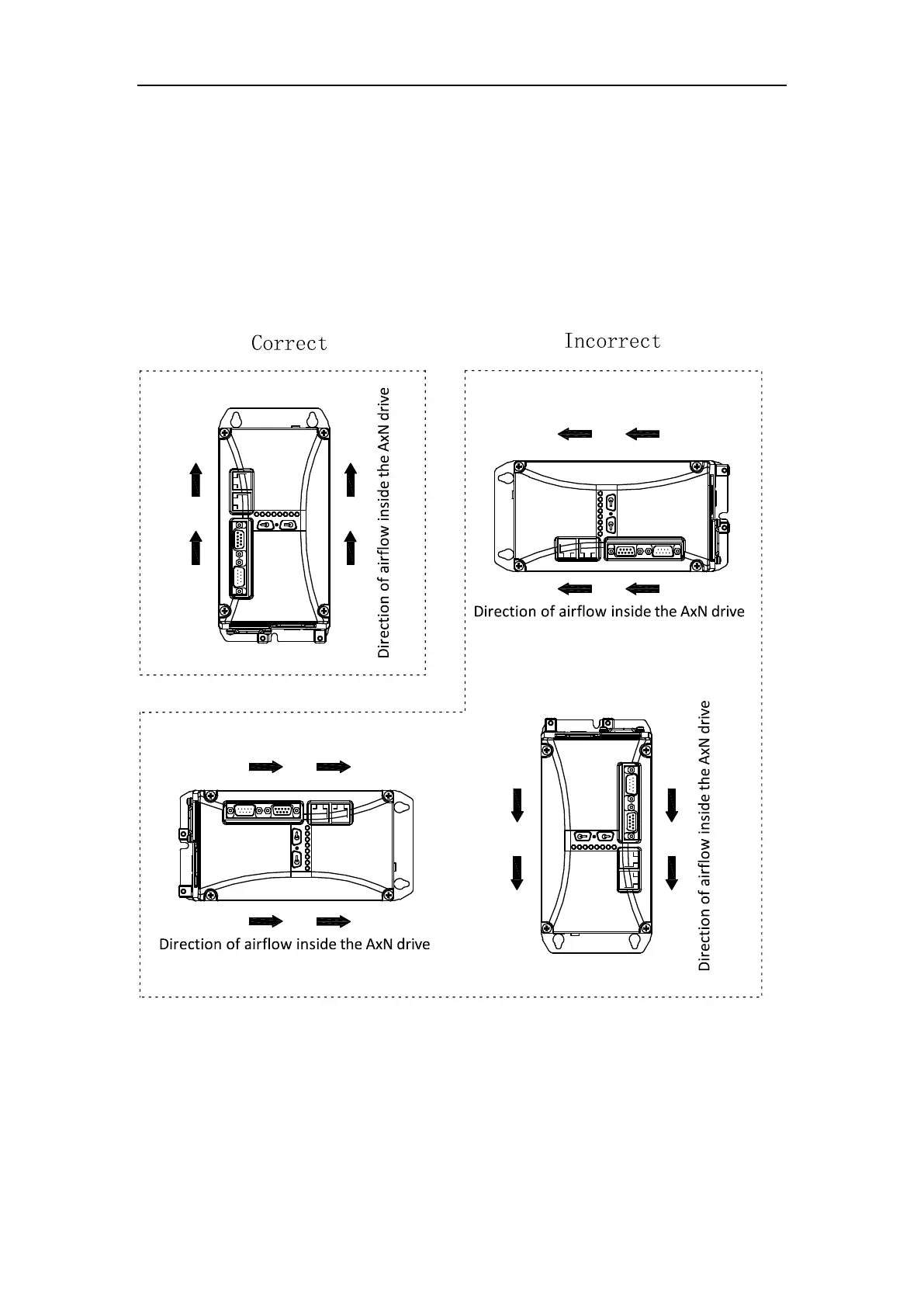
Installation Orientation
To maintain proper cooling, install the AxN drive upright inside the switch cabinet as illustrated
below:
WARNING: The airflow inside the drive must be upright after installation as illustrated below. If
other form of installation must be taken, CONNECT PMC ENGINEER BEFORE INSTALLATION.
Installation Orientation



 To Next Page