132
Viewnder Information
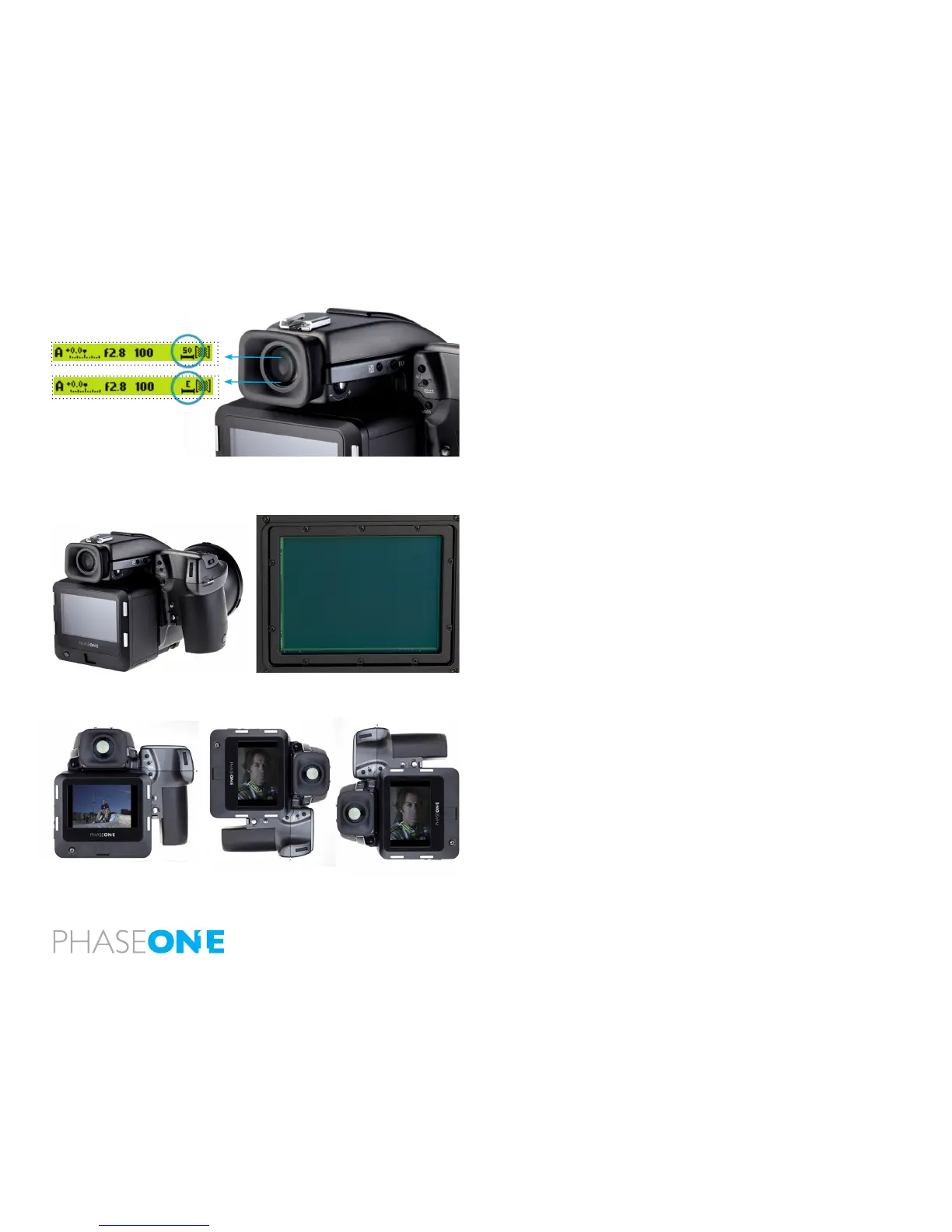
The viewnder information bar is located below the image area within
the viewnder display. It displays the camera’s exposure mode and values
etc. It also includes a counter with the number of captures remaining on
the storage media. (See top bar circled left). ‘99’ is the maximum number
displayed. ‘99’ will continue to be displayed if there are more than that
remaing on a CompactFlash card. An ‘E’ indicates that the storage media is
full. Users will have to delete some captures or replace the CompactFlash
card before continuing. (See bottom bar circled left).
Double Exposure Protection
It is not possible to accidently double expose an image by capturing one
image quickly after another when an IQ back is used on a Hasselblad H1/H2.
Note: At the end of an exposure, image information has to be moved from
the CCD to the processing system. During this short period of time the CCD
must be protected from light exposure. The IQ back ensures that the CCD
is safely cleared of infomation by disabling the Hasselblad camera’s shutter
release during this procedure.
Image Orientation
The CCD in the IQ back is positioned in a landscape orientation. However, the
IQ back has an internal sensor that detects when it has been rotated. Thus,
when the camera is rotated and an image is captured in portrait position
the image will appear correctly oriented on the LCD and in the Capture One
application.



 To Next Page