PHILIPS 4000 and 3000 05 SERVICE MODE
3/18
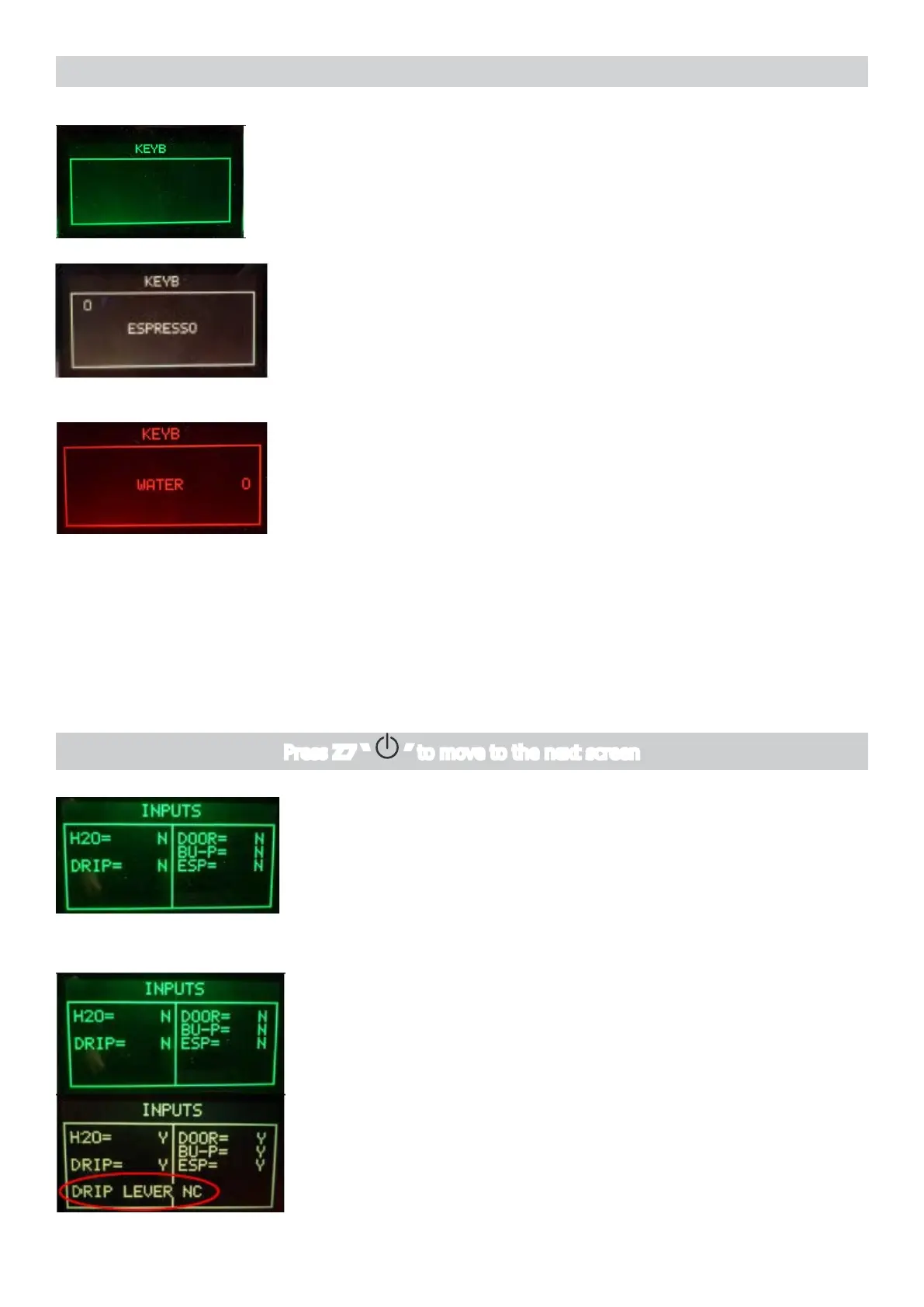
Press buttons from 1 to 7
Only when a button is pressed a O appears on the relative position of
button pressed.
In the middle of display appears the name of the button pressed.
Pressing buttons on the left the backlight color changes from
GREEN to YELLOW.
Pressing button on the right the backlight color changes from
GREEN to RED.
Whenabuttonispressed,alsotheStand-Byled(RED)turnON.
Note:PressbuttonZ7asthelastonce,sinceitmakes
change the test page.
Note: If 2 or more buttons are pressed the name that appears
on display could be wrong.
ERROR: Ifnothingappearsondisplay;checktheinterfaceboardandtheatcable(JP21).
ERROR: Ifduringthemovementthebacklightremaingreencheckthewiring(JP1)fromthein-
terface board and the display.
ERROR: The name displayed is wrong; check the position of jumper in interface. It must be the
same of machine model.
The machine passes to the level 2 (INPUTS)
Warning: if the Lever sensor is not connected to interface will
appear a warning message.
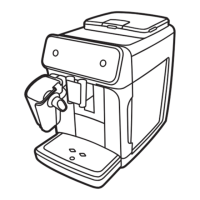
Page 1 (KEYBOARD)
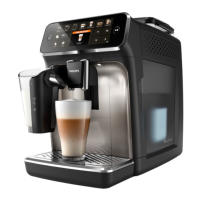
Page 2 (INPUTS)
Start condition
Start condition
Press Z7 “ ” to move to the next screen






 To Next Page