19
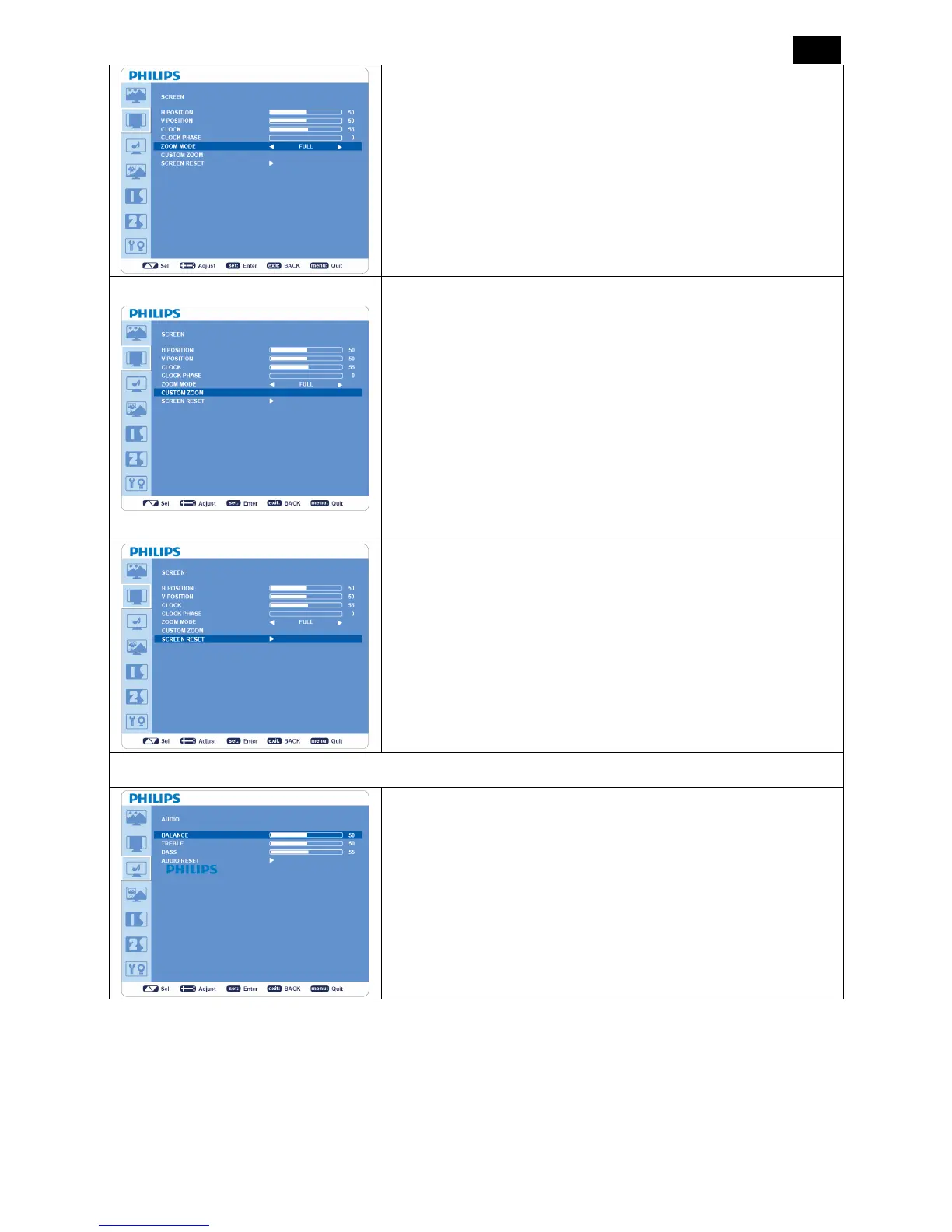
ZOOM MODE
y Selects “FULL”, “NORMAL”, “CUSTOM” or “REAL”. (INPUT
HDMI, VGA, VGA (BNC) only.)
y Selects “FULL”, “NORMAL” “DYNAMIC”, “CUSTOM” or “REAL”.
(INPUT COMPONENT, S-VIDEO, VIDEO only)
y Dynamic image is the same as FULL size image when HDTV
signal is the input source.
y Selecting “REAL” image will display 1 by 1 pixel.
CUSTOM ZOOM
y “CUSTOM ZOOM” will be selected when you select “CUSTOM”
in ZOOM MODE menu.
y “ZOOM”: Expands horizontal and vertical size simultaneously.
y “HZOOM”: Expands the horizontal size only.
y “VZOOM”: Expands the vertical size only.
y “H POSITION”: Moves to the right with + button and moves to the
left with - button.
y “V POSITION”: Moves up with + button and moves down with -
button.
SCREEN RESET
y Select SCREEN RESET allows you to reset all OSD settings from
“PICTURE”setting.
y Select “Yes” and press “SET” button to restore the factory preset
data.
y Press “EXIT” button to cancel and then return to the previous
menu.
AUDIO
BALANCE
y Adjusts the balance of L/R volume.
y Press + button to move the stereo sound image to right. Sound at
the left side will be in low level.
y Press - button to move the stereo sound image to left. Sound at the
right side will be in low level.












 To Next Page