20
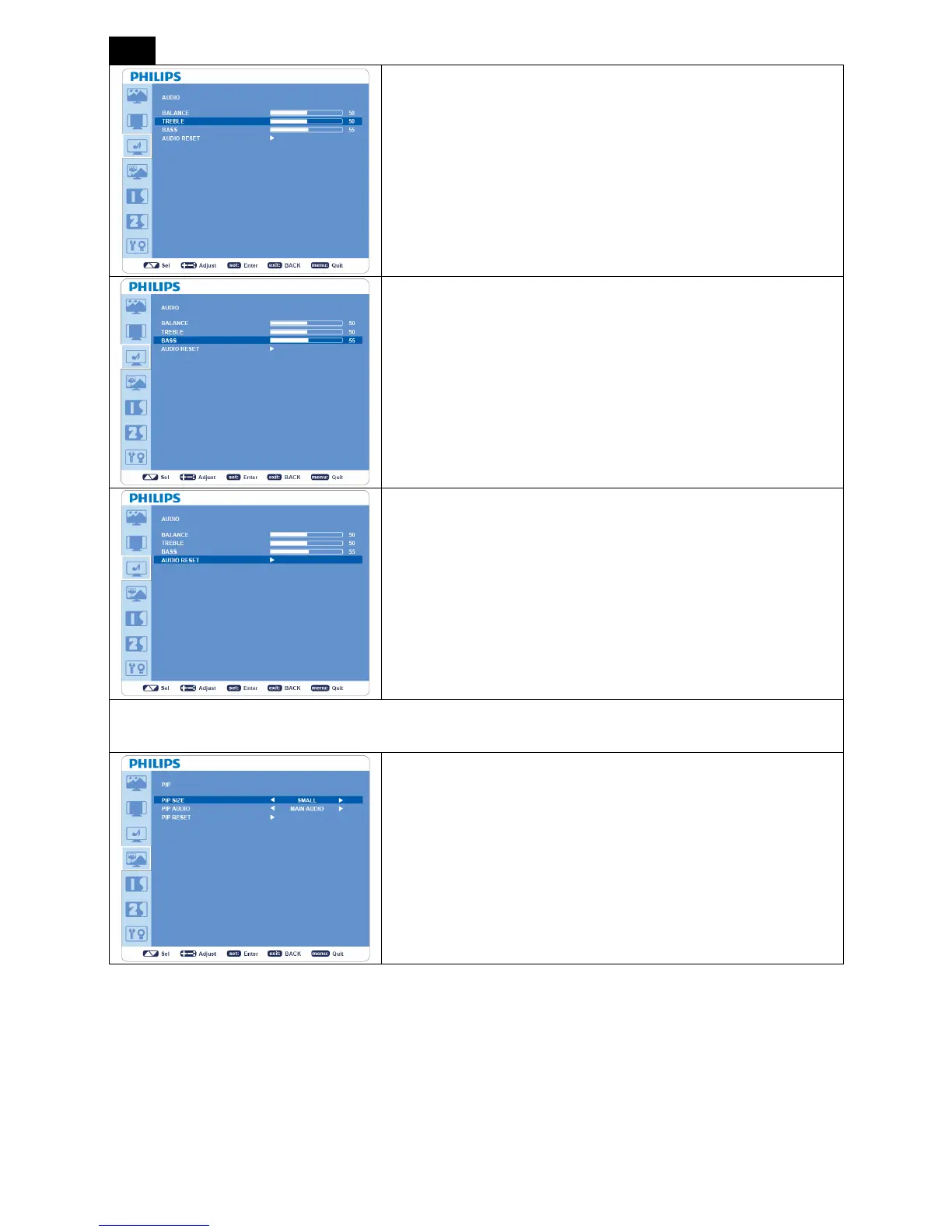
TREBLE
y To accentuate or reduce the high frequency sound.
y Press + button to increase TREBLE sound.
y Press - button to decrease TREBLE sound.
BASS
y To accentuate or reduce the low frequency sound.
y Press + button to increase BASS sound.
y Press - button to decrease BASS sound.
AUDIO RESET
y Selecting Audio reset allows you to reset all OSD settings from
“AUDIO” setting.
y Select “YES” and press “SET” button to restore the factory
preset.
y Press “EXIT” button to cancel and then return to the previous
menu
PIP (Picture In Picture)
Note:
The “PIP” and “POP” modes do not function when the screen size is set to “CUSTOM”or “REAL”.
PIP SIZE
y Selects the size of auxiliary picture that inserted in the main picture
when “Picture-in-Picture” (PIP) mode is activated.
y “Large”, “Middle” and “Small” are available.












 To Next Page