22
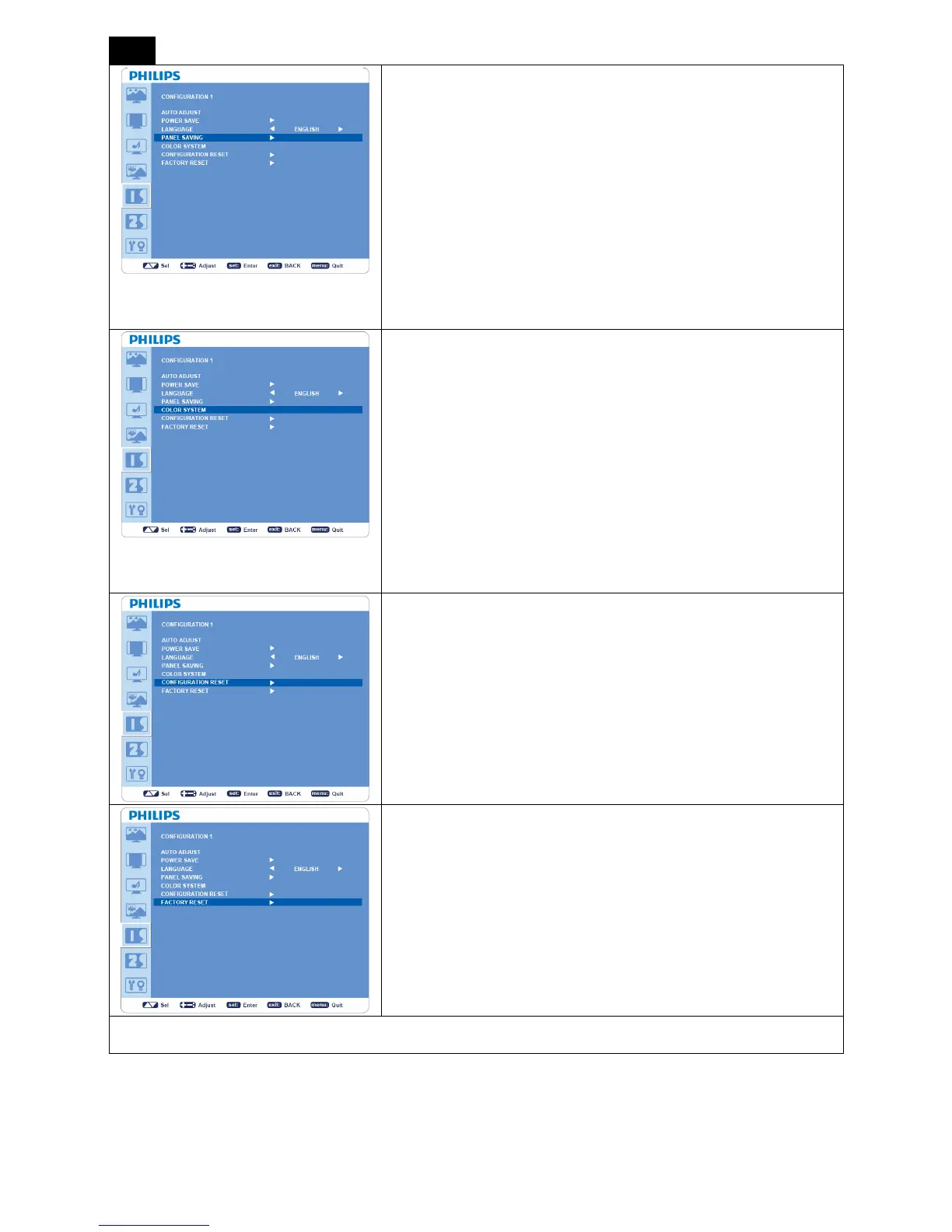
PANEL SAVING
y Selects “PANEL SAVING” to reduce the risk of the “image
persistence”.
y “BRIGHTNESS”: Selects “ON” to decrease brightness.
y “PIXEL SHIFT”: Image is slightly expanded periodically (Time
setting for movement is required).
y Movement area is approximately +/- 10mm from original position.
y Please locate important information such as text within 90% area of
the screen image.
y PIP will be disabled when “MOTION” is activated.
COLOR SYSTEM
*: INPUT S-VIDEO, VIDEO only.
y Selects the Color System depends on your input video format.
y “AUTO”: NTSC, PAL, SECAM, PAL60 or 4.43 NTSC is
automatically selected.
y “NTSC”: Specific selection of NTSC.
y “PAL”: Specific selection of PAL.
y “SECAM”: Specific selection of SECAM.
y “PAL-60”: Specific selection of PAL60.
y “4.43NTSC”: Specific selection of 4.43 NTSC.
CONFIGURATION RESET
y Selecting “CONFIGURATION RESET” allows you to reset all
configuration settings.
y Select “Yes” and press “SET” button to restore the factory preset
data.
y Press “EXIT” button to cancel and return the previous menu.
FACTORY RESET
y Selecting “YES” allows you to reset “PICTURE”, “SCREEN”,
“AUDIO”, “CONFIGURATION 1”, “CONFIGURATION 2” and
“ADVANCED OPTION” back to factory settings (except
“LANGUAGE”, “DATE AND TIME” and “SCHEDULE”).
y Select “YES” and press “SET” button to restore the factory preset
data.
y Press “EXIT” button to cancel and return the previous menu.
CONFIGURATION 2












 To Next Page