23
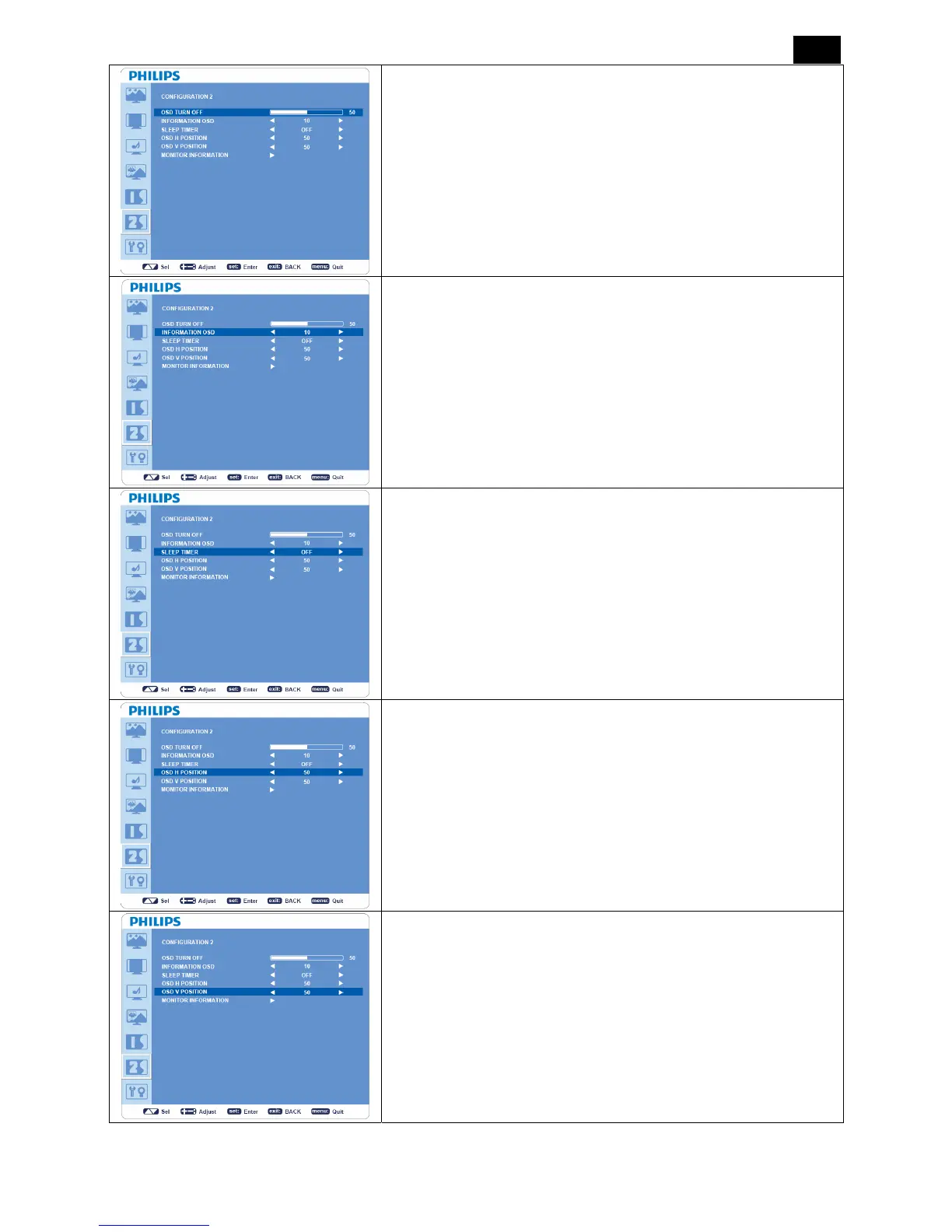
OSD TURN OFF
y OSD control menu will stay on as long as it is activated. In the OSD
Turn Off submenu, you can select how long the monitor waits after
the last touch of a button to shut off the OSD control menu.
y The preset choices are 5 -120 seconds.
INFORMATION OSD
y Sets the display of OSD information.
y The information OSD will display when input signal or source
change or warning message like as no-signal or out-of range.
y A time bar between 1 to 10 seconds is available.
SLEEP TIMER
y Sets “SLEEP TIMER” mode ON/OFF.
y In “SLEEP TIMER” menu, you can preset the monitor to
automatically power off.
y A time bar between 1 to 24 hours is available.
OSD H POSITION
Adjusts the horizontal position of the OSD menu.
OSD V POSITION
Adjusts the vertical position of the OSD menu.












 To Next Page