24
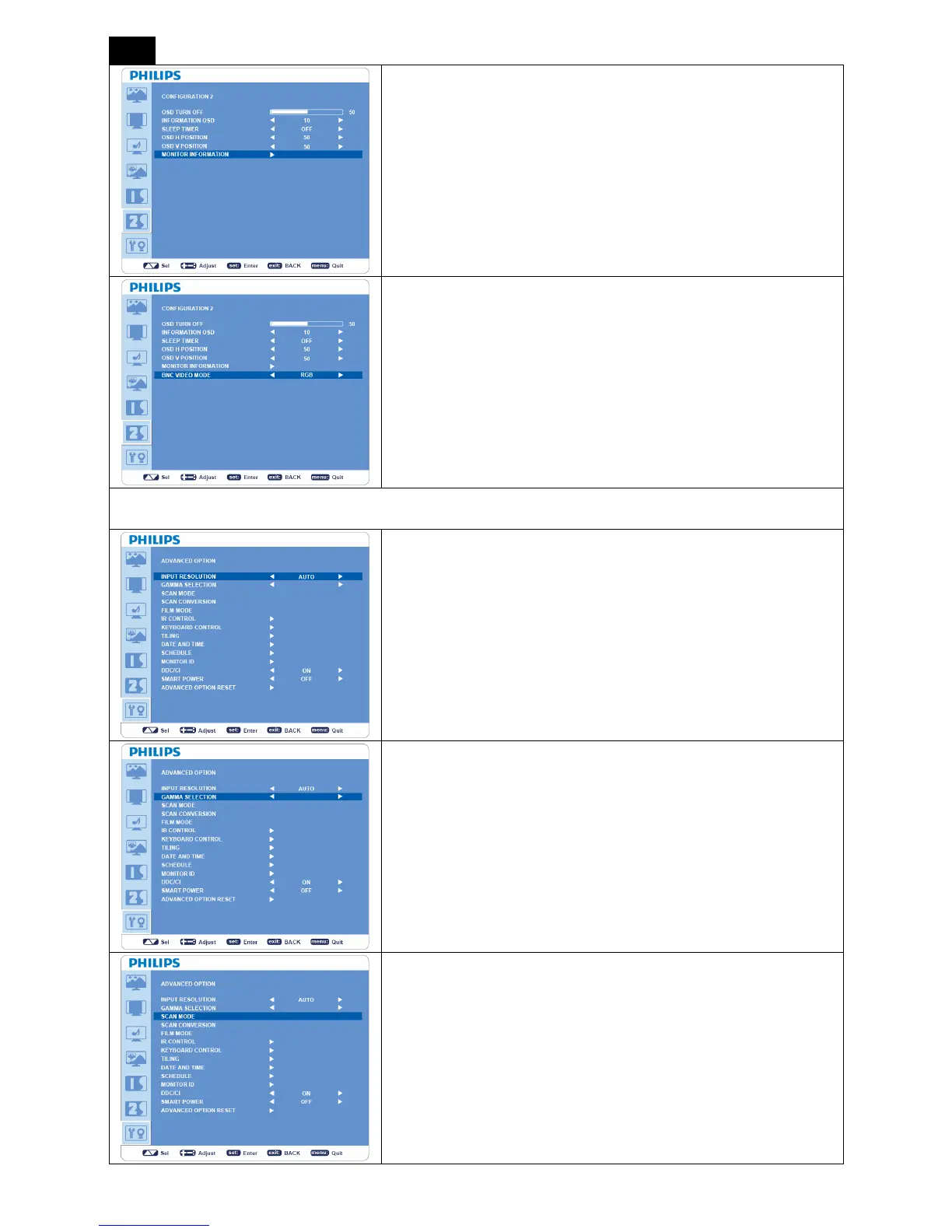
MONITOR INFORMATION
Indicates the model and serial number of your monitor.
BNC VIDEO MODE
Selects between analog RGB component video (VGA) and analog Y
PbPr component video.
ADVANCED OPTION
INPUT RESOLUTION
*: INPUT VGA only.
y Manually selects the correct timing according to the input source.
y “Auto”/“1024x768”/“1280x768”/“1360x768”/“1366 x 768”
GAMMA SSELECTION
y Changes the displayed color temperature.
y “2.2”/“2.4”/“Native”.
NOTE: sRGB picture mode is standard and cannot be changed.
SCAN MODE
* : INPUT HDMI (HDMI INPUT MODE-HD), COMPONENT,
S-VIDEO, VIDEO only
y Changes the display area of the image.
y “OVERSCAN”: Sets to display area about 95%.
y “UNDERSCAN”: Sets to display area about 100%.












 To Next Page