25
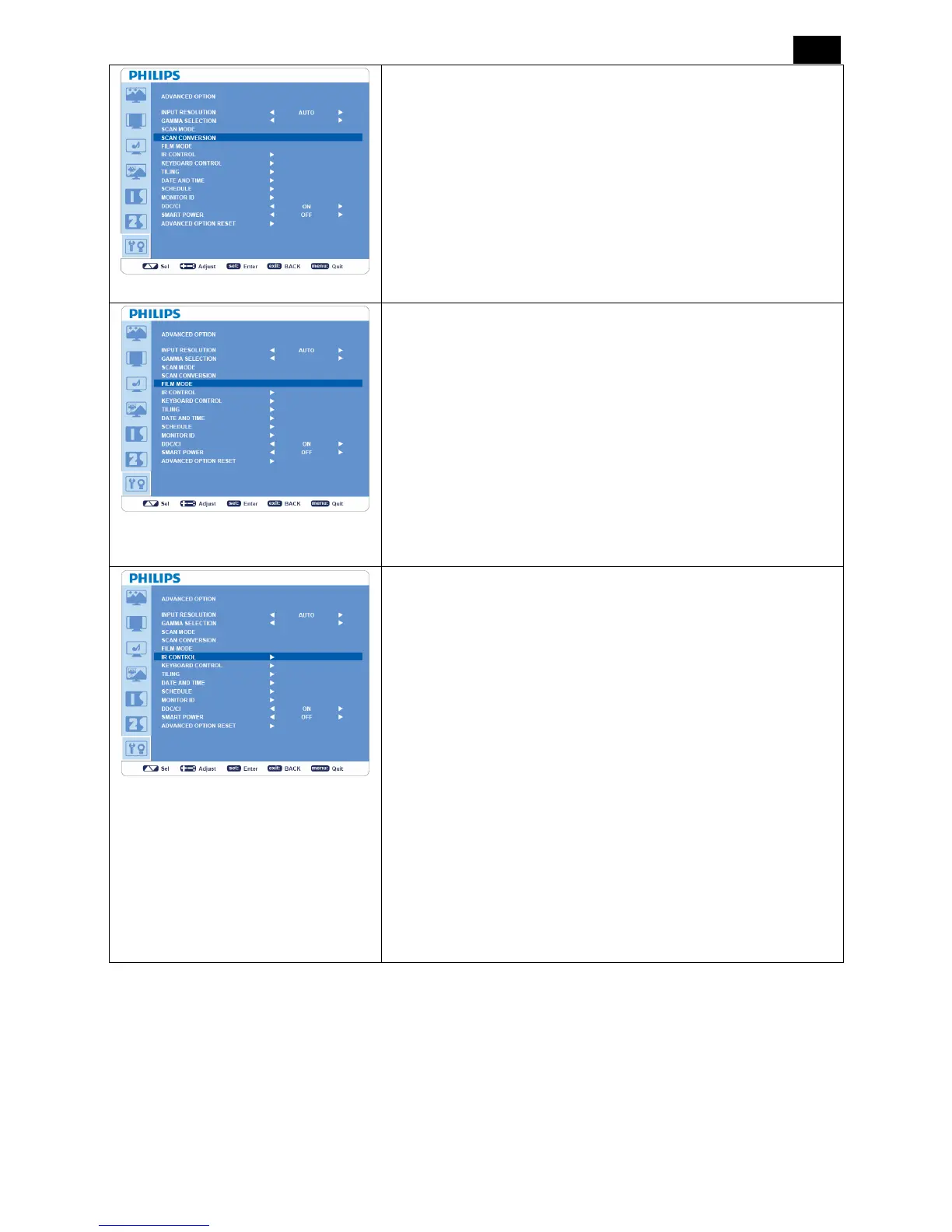
SCAN CONVERSION
*: INPUT HDMI (HDMI INPUT MODE-HD), COMPONENT, S-VIDEO,
VIDEO only.
y Selects IP (Interlace to Progressive) converter function.
y “PROGRESSIVE”: Enables the IP function, to convert interlace
signal to progressive. Normally use this setting.
y “INTERLACE”: Disable the IP function.
NOTE: This mode is better suited for motion pictures, but it might
cause the problem of image retention.
FILM MODE
*: INPUT HDMI (HDMI INPUT MODE-HD), COMPONENT, S-VIDEO, VIDEO
only.
y Selects Film mode function.
y “AUTO”: Enables the Film mode function. This mode is better
suited for movies, which is converted 24 frames/sec source to DVD
Video. We recommend to select “PROGRESSIVE” in “SCAN
CONVERSION”.
y
“OFF”: This mode is better suited for a broadcast source (like a
set-top box) or VCRs.
IR CONTROL
y Selects the operation mode of the remote controller when multiple
BDL3215E/BDL4225E monitors are connected via RS-232C.
y The item in this menu will be effective by pressing “SET” button on
the selected item.
y “NORMAL”: The monitor will be controlled normally by the remote
controller.
y “PRIMARY”: The first BDL3215E/BDL4225E monitor of those
multi-connected via RS-232C is designated as “PRIMARY”.
y “SECONDARY”: BDL3215E/BDL4225E monitors other than the
first one multi-connected via RS-232C are designated as
“SECONDARY”.
y “LOCK”: Disable the monitor control by infrared remote controller.
y Keep pressing “DISPLAY” button for 5 sec or more, this setting
will return to “NORMAL”.












 To Next Page