26
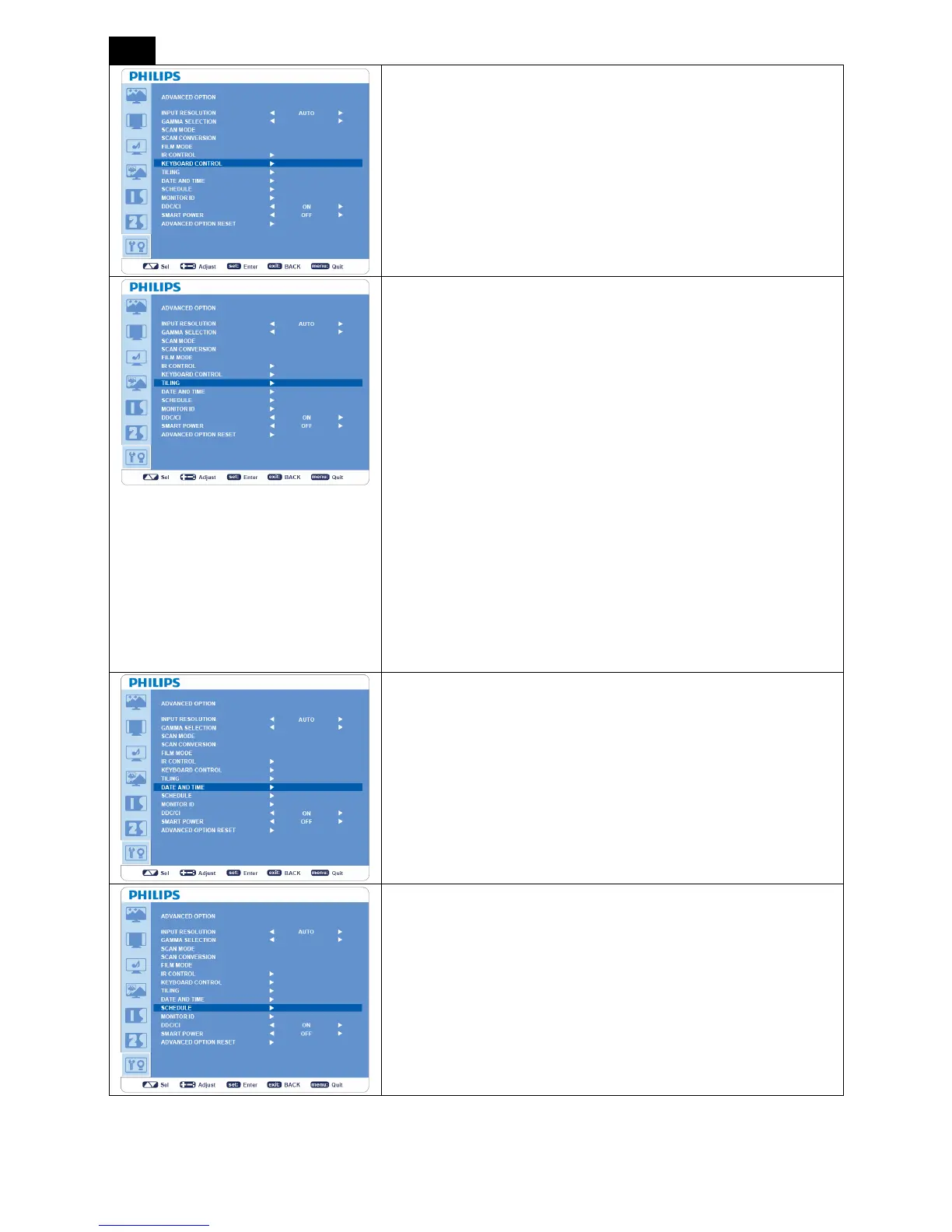
KEYBOARD CONTROL
y Selects the operation mode of the keyboard control.
y Select “YES” to disable the function of keyboard.
y Select “NO” to enable the function of keyboard.
TILING
y “TILING” demonstrates multiple screens. This feature provides a
single large screen using up to 25 monitors.
y It will be able to divide up to 5 each horizontal and vertical.
y This requires you to feed the PC output into each of the monitor
through a distributor.
y “H MONITORS”: Selects the number of horizontal divide.
y “V MONITORS”: Selects the number of vertical divide.
y “POSITION”: Selects the position to expand the screen.
y “FRAME COMP”: Works in tandem with “TILING” to compensate
for the width of the tile bezels in order to accurately display the
image.
y “ENABLE”: Selects “YES”, the monitor will expand the selected
position.
y PIP will be disabled when “TILING” is activate
DATE AND TIME
Adjusts the current date and time for internal clock. “SCHEDULE”.
SCHEDULE
y Before using “SCHEDULE”, set current time and date for internal
clock in “DATE AND TIME” menu.
y Programs the monitor working schedule.
y Schedule the power on / off time of the input source.
y
“SCHEDULE” OSD will not disappear except pressing “EXIT” on
the remote control.












 To Next Page