English
EN 23
Play
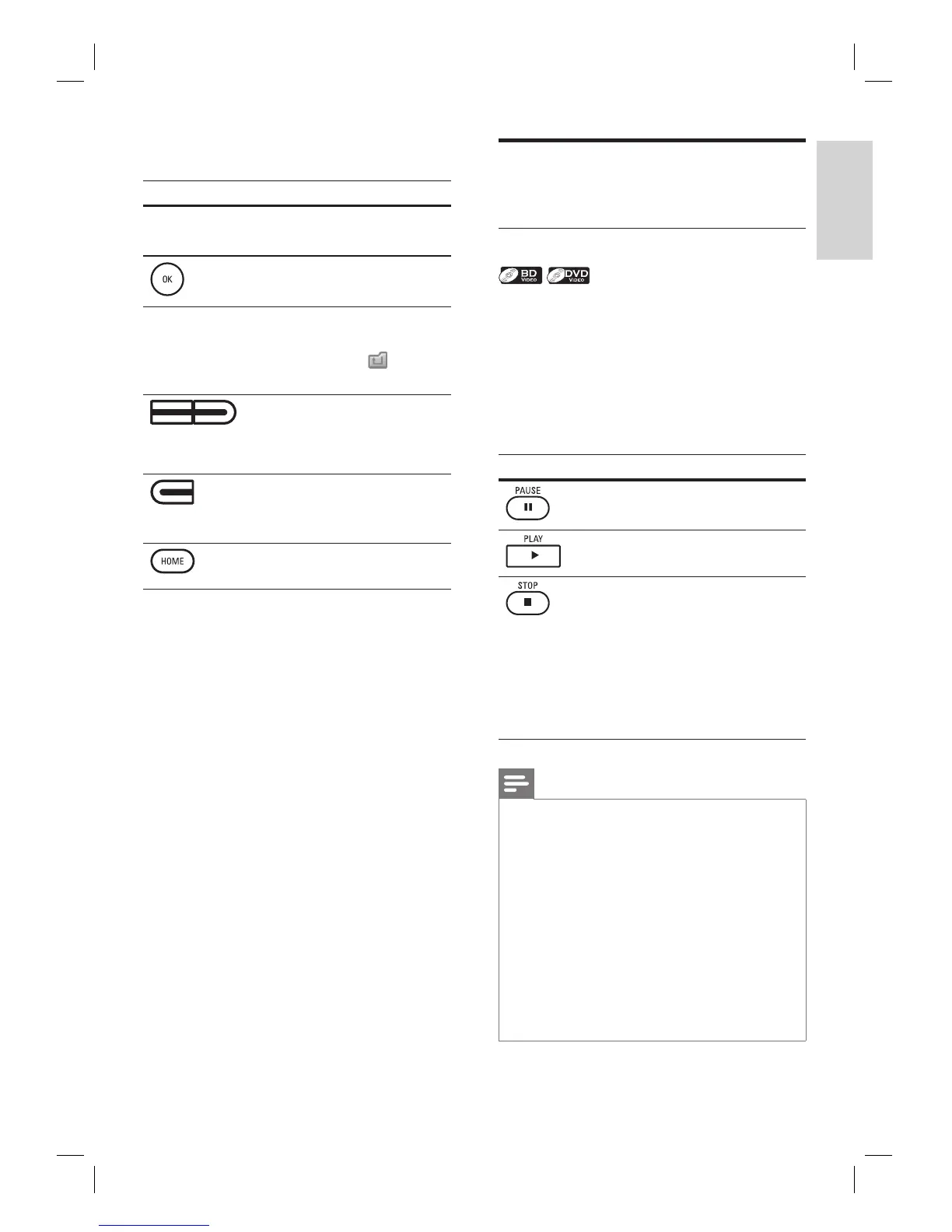
How to navigate through the track/fi le list
Button Action
To move the highlight up
and down in the list.
To access the fi les in a group
(folder).
To to back to the previous
screen.
Or highlight (
), then
press OK.
•
(Yellow/Blue
button)
To change the page of the
list.
(Red button)
To go back to the media
fi lter screen.
To go back to the home
menu.
Basic playback
Play a BD or a DVD
1 Insert a disc.
2 Playback may start automatically. If not,
press PLAY .
Some discs may show a title or a disc
menu. In such case, refer to ‘Access
title/disc menu’.
Button Action
To pause playback.
To return to the normal playback.
To stop playback.
Playback will be in
Resume-On-Stop mode, and
the home menu appears.
When you press PLAY next
time, playback starts from
the point where it has been
stopped.
•
•
Note
When you press HOME, playback stops and the
home menu appears.
For BD Java application, the Resume-On-Stop is not
available.
If you press OK instead of PLAY , playback can be
started from the beginning of the disc even if it was
in the Resume-On-Stop mode.
You can also start from the beginning of the disc if
you press í while the resume message is displayed.
The resume message can be removed by pressing
BACK.
Resume-On-Stop mode remains in effect even after
power is turned off but will be canceled once the
disc is ejected.
•
•
•
•
•
•
•



 To Next Page