40 EN
Set digital output format
1 Press HOME.
2 Select [Settings] > [Advanced Set-up] >
[Audio] > [Digital Out].
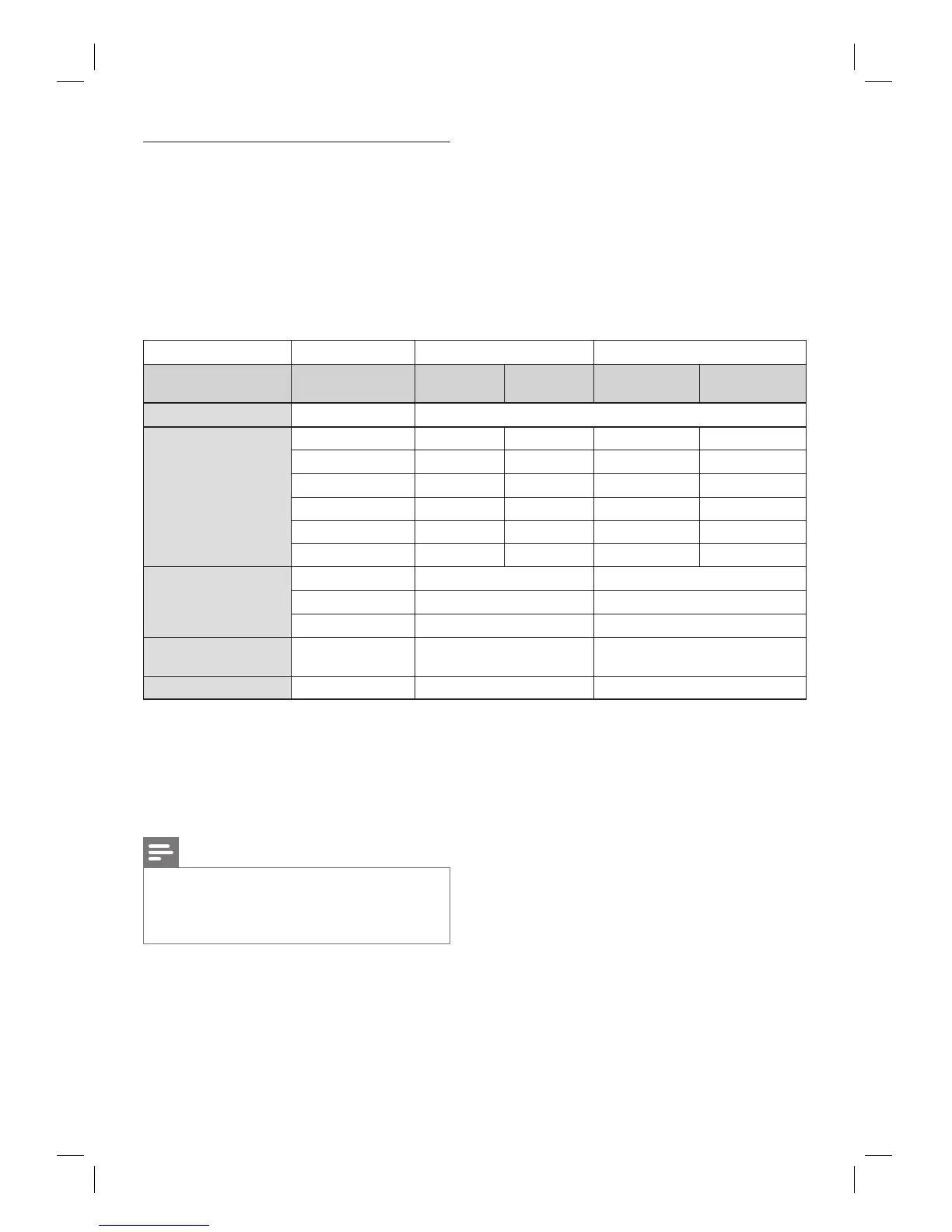
3 Refer to the table below to see which
setting you should choose.
(*1-1) Full decoded.
(*1-2) Only the independent substream is decoded.
(*2-1) Dolby TrueHD stream is decoded.
(*2-2) Only the Dolby Digital Substream is decoded.
(*3-1) Full decoded.
(*3-2) Only the core substream is decoded.
Note
When playing back a BD-video which only contains
the primary audio, the audio output will be the same
as case of [Primary Audio Only]
even if the [Blu-ray
Disc Audio] is set to [Mix Audio Output].
•
•
•
•
•
•
•
[Digital Out] setting
[Bitstream] [PCM]
[Blu-ray Disc Audio]
setting
[Primary Audio
Only]
[Mix Audio
Output]
[Primary Audio
Only]
[Mix Audio
Output]
Media Audio source
BD-video Dolby Digital Dolby Digital Dolby Digital DownMix PCM DownMix PCM
Dolby Digital Plus Dolby Digital Dolby Digital DownMix PCM
*1-1
DownMix PCM
*1-2
Dolby TrueHD Dolby Digital Dolby Digital DownMix PCM
*2-1
DownMix PCM
*2-2
DTS DTS Dolby Digital DownMix PCM DownMix PCM
DTS-HD DTS Dolby Digital DownMix PCM
*3-1
DownMix PCM
*3-2
LPCM DownMix PCM DownMix PCM DownMix PCM DownMix PCM
DVD-Video Dolby Digital Dolby Digital DownMix PCM
DTS DTS DownMix PCM
LPCM DownMix PCM DownMix PCM
Audio CD/ MP3/
Window Media ™ Audio
PCM 2ch PCM 2ch PCM
DTS-CD DTS DTS DownMix PCM



 To Next Page