24 EN
Play an audio CD/MP3/WMA/JPEG
fi les
1 Insert a disc.
Audio CD: track list appears and
playback starts automatically.
MP3/WMA/JPEG fi les: Home menu
appears.
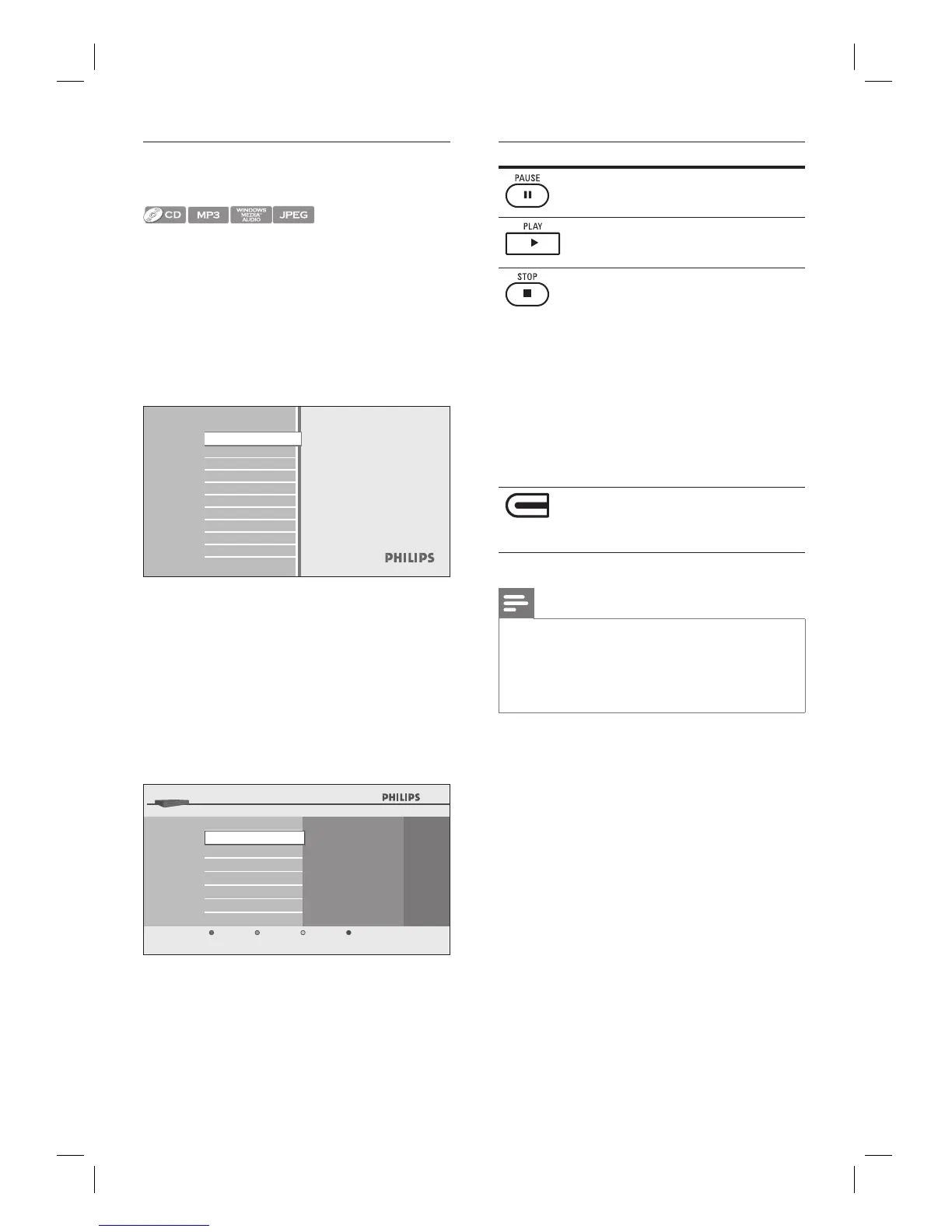
2 With [Disc Tray] selected, press OK.
Media fi lter screen appears.
Disc Tray
Settings
Product info
Blu-ray Disc Player
3 Select the type of the fi le you want to play
in the media fi lter screen, then press OK
to display the fi le list.
Select [Music] if you want to play back
music fi les such as MP3 or Window
Media™ Audio.
Select [Pictures] if you want to play
back the still images such as JPEG
pictures.
Disc Tray
Music
Pictures
BD-Player
Cancel
4 Select a group (folder) or track/fi le you
want to play, then press PLAY or OK
to start playback.
•
•
Button Action
To pause playback.
To return to the normal
playback.
To stop playback.
Playback will be in
Resume-On-Stop mode.
For audio CD, playback
starts from the point where
it is stopped next time you
press PLAY .
For MP3/WMA, playback
starts from the fi le being
played back last next time
you press PLAY .
•
•
•
(Red button)
To go back to the media fi lter
screen.
Note
When you press HOME, playback stops and the
home menu appears.
If you press OK instead of PLAY , playback can
start from the beginning instead of resuming from
the stop point.
•
•
Recommended specifi cations:
MP3 / Windows Media™ Audio
Sampling frequency: 32 kHz, 44.1 kHz or 48 kHz
Constant bit rate: 112 kpbs - 320 kbps (MP3),
48 kpbs - 192 kpbs (WMA)
JPEG
Upper limit: 2,560 x 1,900 dots
(sub sampling is 4:4:4)
5,120 x 3,840 dots
(sub sampling is up to 4:2:2)
Lower limit: 32 x 32 dots
Maximum fi le size of a picture: 5 MB
Folder / fi le number limitations:
DVD: 999 folders (groups) and 9,999 fi les
CD: 999 folders (groups) and 999 tracks/fi les
•
•
•
•
•
•
•



 To Next Page