English
EN 37
Adjust settings
[Factory Default] settings
[Settings]
Option Description
[Yes] Reset all the settings to the
factory default, except for
[Parental] setting .
[No] Does not perform the
initialisation.
[Local Storage]
Option Description
[Yes] Initialise (clean up) the area
used for BD application.
[No] Does not perform the
initialisation.
Set-up
Set TV screen display format
Use this feature to adjust the aspect ratio of the
video source which is different from your TV’s
ratio to fi t your TV monitor without distorting
the picture.
1 Press HOME.
2 Select [Settings] > [Advanced Set-up] >
[Video Output] > [TV Shape].
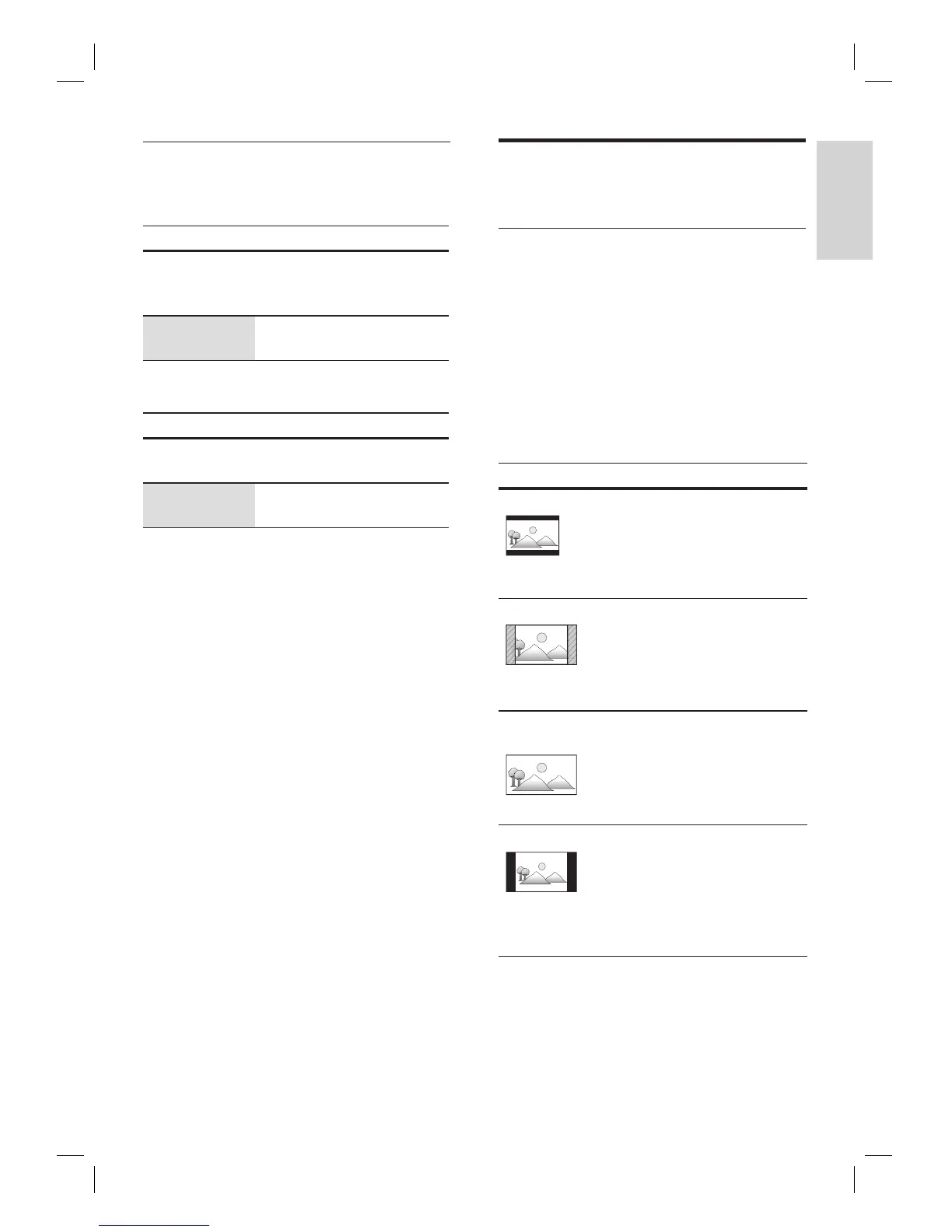
Option Description
[
4:3 Letter Box]
To enjoy 16:9 picture on 4:3
monitor. 16:9 picture is
scaled down until the both
sides of the picture fi ts the
4:3 TV.
[4:3 Pan Scan]
To enjoy 16:9 picture on 4:3
monitor. Both sides of the
picture are trimmed to fi t the
4:3 TV without distorting the
aspect ratio of the picture.
[16:9 Wide
Screen]
To enjoy 16:9 picture on
16:9 monitor. Select this
setting when you want to
enjoy 16:9 picture on the
16:9 TV.
[16:9 Squeeze]
To enjoy 4:3 picture on 16:9
monitor. Use this setting to
display 4:3 picture on the
16:9 TV without distorting
the aspect ratio of the
picture.



 To Next Page