14 EN
Guide to on-screen display
Home menu
When you turn on the unit, home menu
appears automatically. Otherwise, press HOME.
Disc Tray
Settings
Product info
Blu-ray Disc Player
[Disc Tray]
To access the track/fi le list or media
fi lter screen.
[Settings]
To access the settings menus.
[Product Info]
To access the product information.
Tip
You can also download the latest fi rm ware from
the web site which is displayed in the [Product Info]
screen, and update the fi rm ware by yourself.
•
•
•
•
Menu Screen
Settings
Quick Set-up
Advanced Set-up
Factory Default
Player menu
TV Shape
HDMI Video Resolution
BD-Player
23
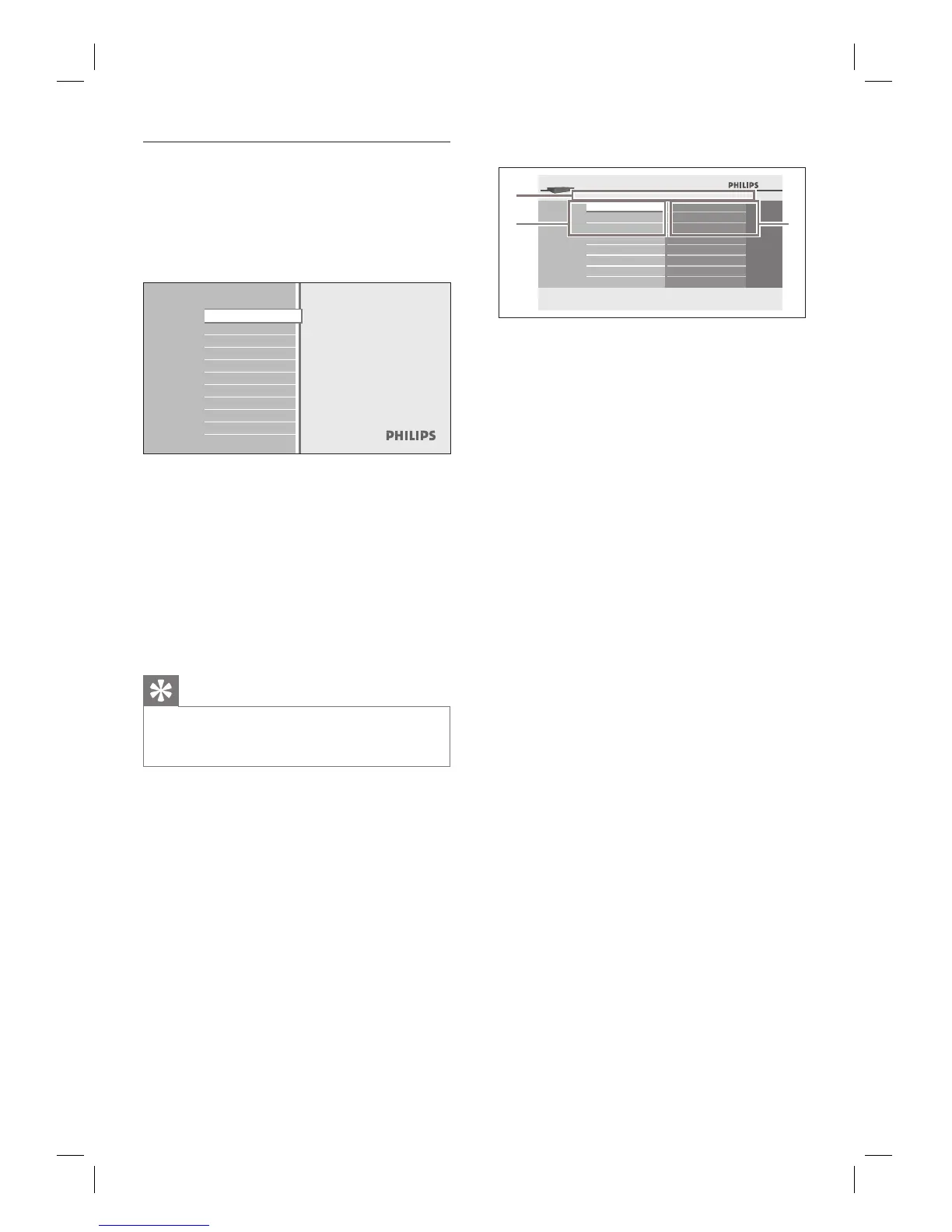
1
1 Directory
Displays the current hierarchy.
2
Menus
3
Sub menus/Options
Displays sub menus or options for the
high-lighted item on the left whenever
available.
•
•



 To Next Page