English
EN 27
Play
MP3 / WMA Group Repeat
The current group
(folder) will be played
back repeatedly.
•
Audio CD /
DTS CD
Random Repeat
Repeat the random
playback.
•
MP3 / WMA Random Repeat
Repeat the random
playback in a folder.
•
Note
The repeat setting will be canceled when you stop
playback.
•
A-B Repeat play
You can play back the specifi c part (between
point A and point B) repeatedly.
1 During playback press REPEAT A-B once at
the point where you want to set point A.
2 During playback press REPEAT A-B again at
the point where you want to set point B.
As soon as you set the point B, the part
between point A and point B starts to
play repeatedly.
3 To cancel A-B repeat, press REPEAT A-B
repeatedly until ‘Off’ appears.
Note
Point B should be set within the same title or track
as point A.
•
Slide show
1 Insert a disc.
Home menu appears.
2 With [Disc Tray] selected, press OK.
Media fi lter screen appears.
3 Select [Picture], then press OK.
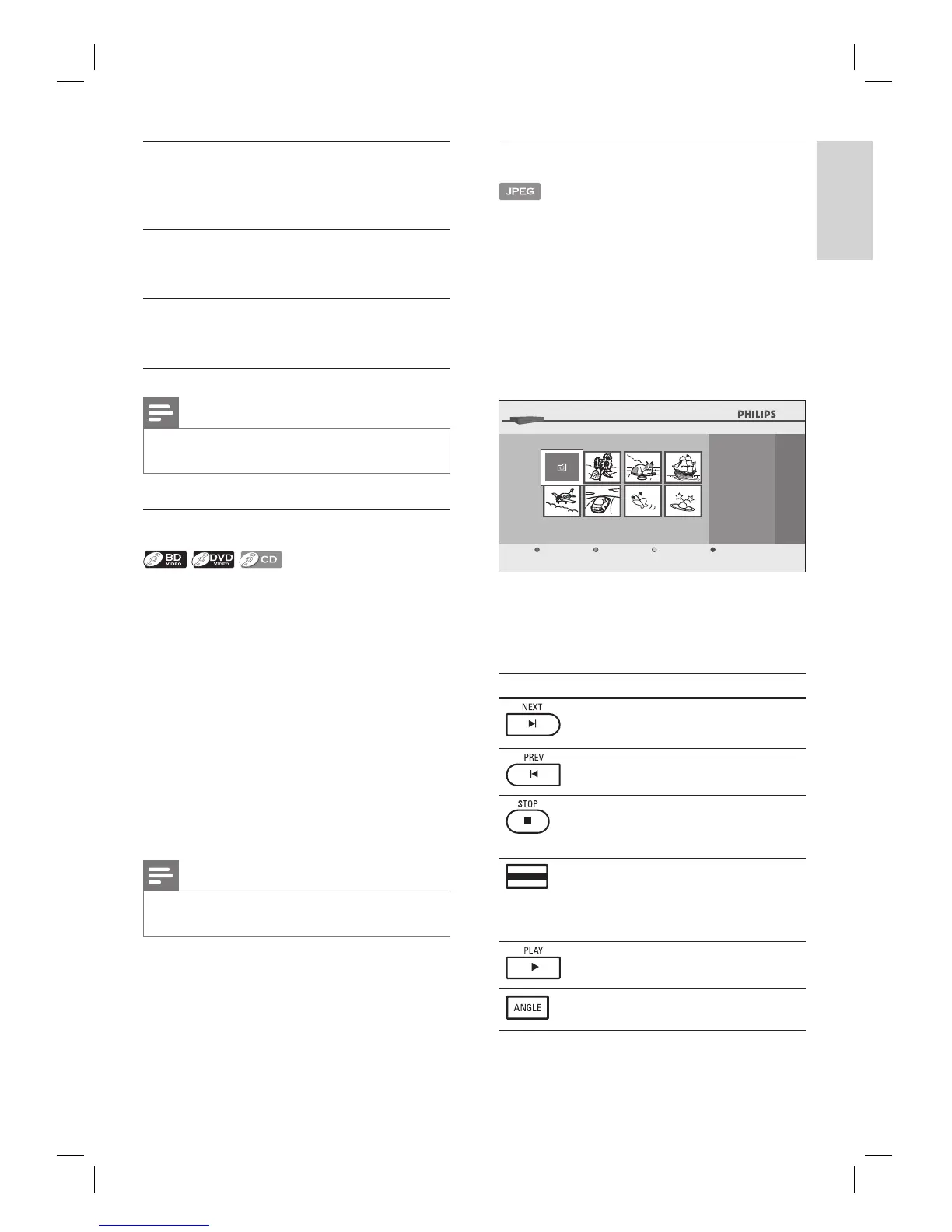
4 Open the folder which contains the
desired JPEG fi les.
...
24
BD-Player │Disc Tray │Pictures
JPEG File
Page Up Page DownMedia Filter Slideshow
5 Highlight a fi le, then press Green button.
Slide show starts from the fi le you
selected.
Button Action
To skip to the next fi le.
To skip to the previous fi le.
To stop the slide show.
Playback will be in
Resume-On-Stop mode.
•
(Green
button)
To resume the slide show.
To resume the normal playback.
To rotate the picture.



 To Next Page