26 EN
Step-by-step play
1 In pause mode, press PAUSE X
repeatedly.
Every time you press PAUSE X,
playback advances one step at a time.
2 Press PLAY to return to the normal
playback.
Note
Only step-by-step forward is available.•
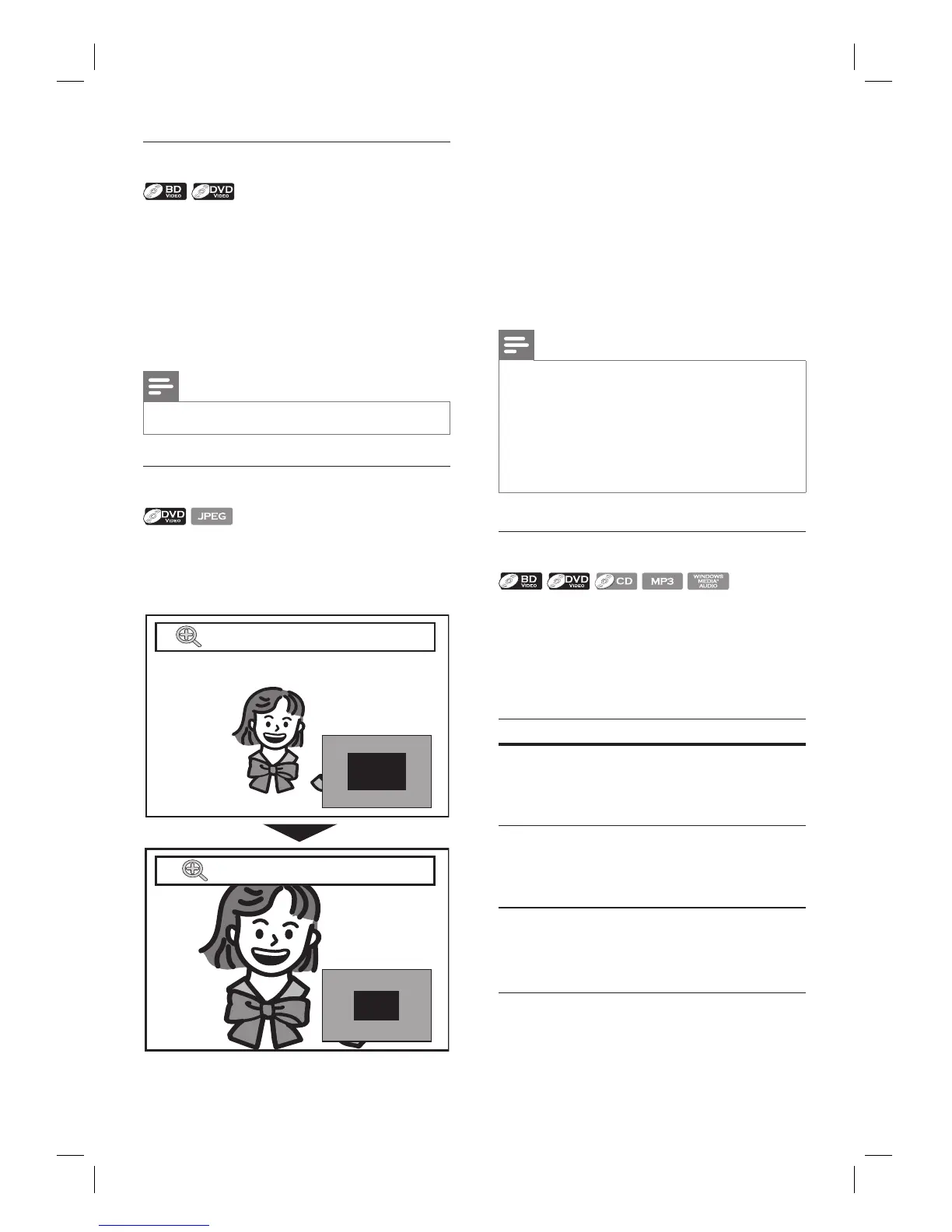
Zoom in/out
1 During playback, press ZOOM repeatedly.
Every time you press ZOOM, it
changes the zoom factor.
x1.2
x2
•
•
2 You can move over the zoomed picture
using vVb B.
The grey box with an inner blue box
displayed at the right bottom corner of
the zoomed image is the position guide.
The inner blue box indicates the
zoomed area (not available for the
JPEG playback).
Note
For JPEG fi les, slide show of the zoomed picture is
not possible.
For JPEG fi les, x4 zoom is not available.
For some DVD, x4 zoom is not available.
Zoom does not work during the playback of the
BD-video.
Zoom does not work while DVD menu is displayed.
•
•
•
•
•
Repeat play
Available repeat function vary depending the
discs.
1 During playback, press REPEAT repeatedly
to select the desired repeat function.
Available media Repeat mode
BD-video /
DVD-video
Chapter/title Repeat
The current chapter/
title will be played back
repeatedly.
•
Audio CD /
DTS CD / MP3
/ WMA
Track Repeat
The current track or
fi le will be played back
repeatedly.
•
Audio CD /
DTS CD
All Repeat
All tracks in the media
will be played back
repeatedly.
•



 To Next Page