42 EN
Set parental lock
Some BD-video or DVD-video feature a
parental lock level. Playback stops if the ratings
exceed the levels you set, it requires you to
enter a password before the disc play. This
feature prevents your children from viewing
inappropriate material.
1 Press HOME.
2 Select [Settings] > [Advanced Set-up] >
[Parental], then press OK.
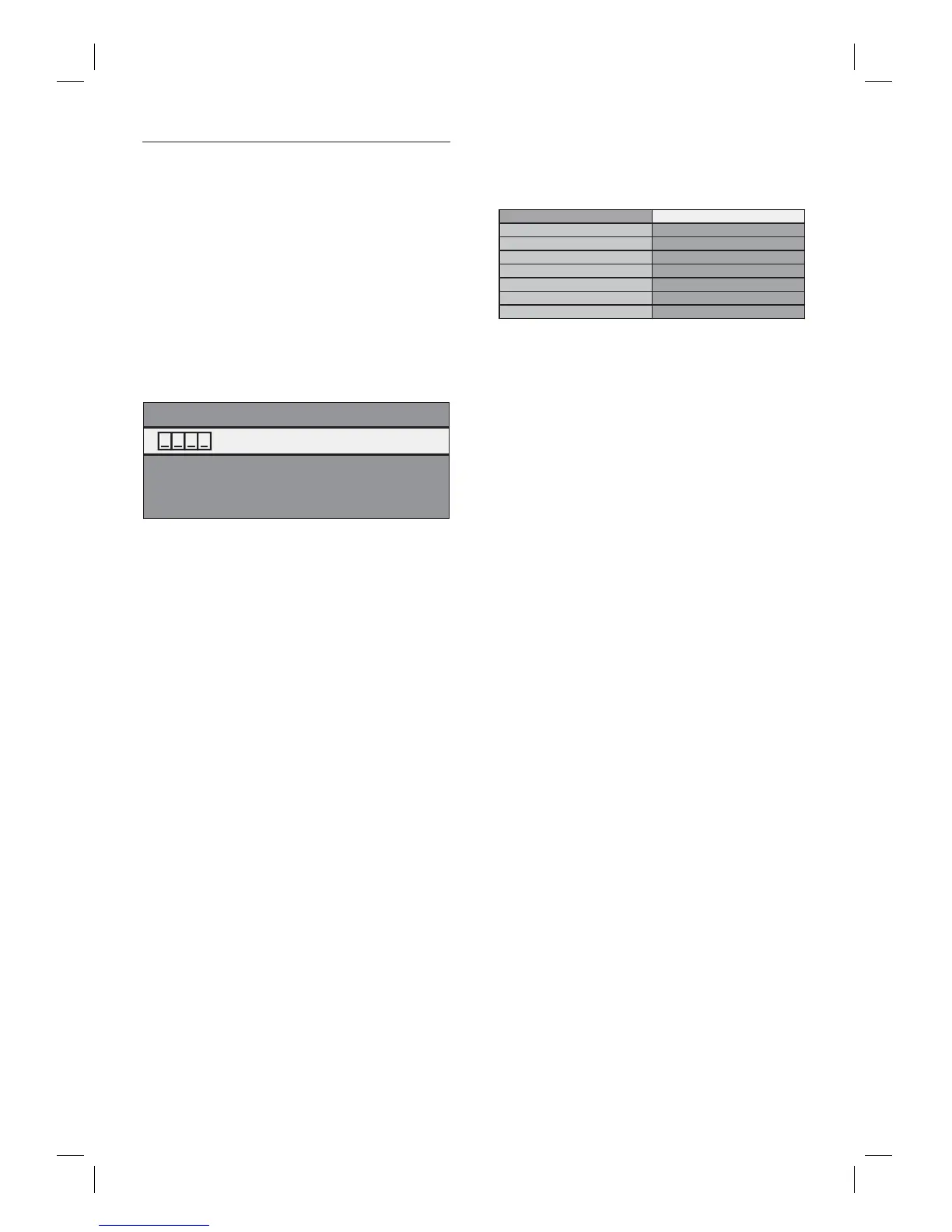
Enter your PIN
If a PIN code has not been set:
3a Enter 4-digit PIN code using the number
buttons.
‘4737’ cannot be used.
Press Red button to return to the menu
screen.
If a PIN code has already been set:
3b Enter 4-digit PIN code using the number
buttons.
If you want to change the PIN code:
3c Enter 4-digit PIN code using the number
buttons. Then enter the new PIN code.
If you forget the PIN code:
3d Enter ‘4737’, then press OK. A warning
message appears, press OK again.
Current PIN code and the [Parental]
settings are now cleared.
Follow the above steps to create a new
PIN code.
•
•
•
4 After entering the PIN code, [Rating
Level] appears. Select desired rating level
then press OK.
Rating Level All
New PIN 8 [Adult]
7
6
5
4
3
2
[All] Parental lock is inactive.
[8-Adult]
DVD software of any grades can be played.
[7] [NC-17] No one under 17 admitted.
[6] [R] Restricted; under 17 requires accompanying
parent or adult guardian.
[5] [PGR] Parental guidance recommended.
[4] [PG13] Unsuitable for children under 13.
[3] [PG] Parental guidance suggested.
[2] [G] General audience.
[1 Kid Safe]
Suitable for children.
To cancel parental lock temporarily
Some discs allow you to cancel the parental
lock temporarily.
1 With those discs, the message below
appears when you try to play them back:
[Please enter your PIN to unblock
content].
2 Follow the instruction which appears on
the screen to cancel the parental lock.
After entering the PIN code, [Rating
Level] appears.
3 Select desired rating level then press OK.
•
•
•
•
•
•
•
•
•



 To Next Page