27
T
he SmartSound™ feature allows the lis-
tener to select between four different fac-
tory set sound options. Personal (which can
be set by the user), Theatre (for movie view-
ing), Music (for musical type programming)
and Voice (when the program is mainly dia-
logue). These setting affect the Sound menu’s
Bass, Treble, AVL, and Incredible Surround
controls
To select any of the options follow the direc-
tions below.
1
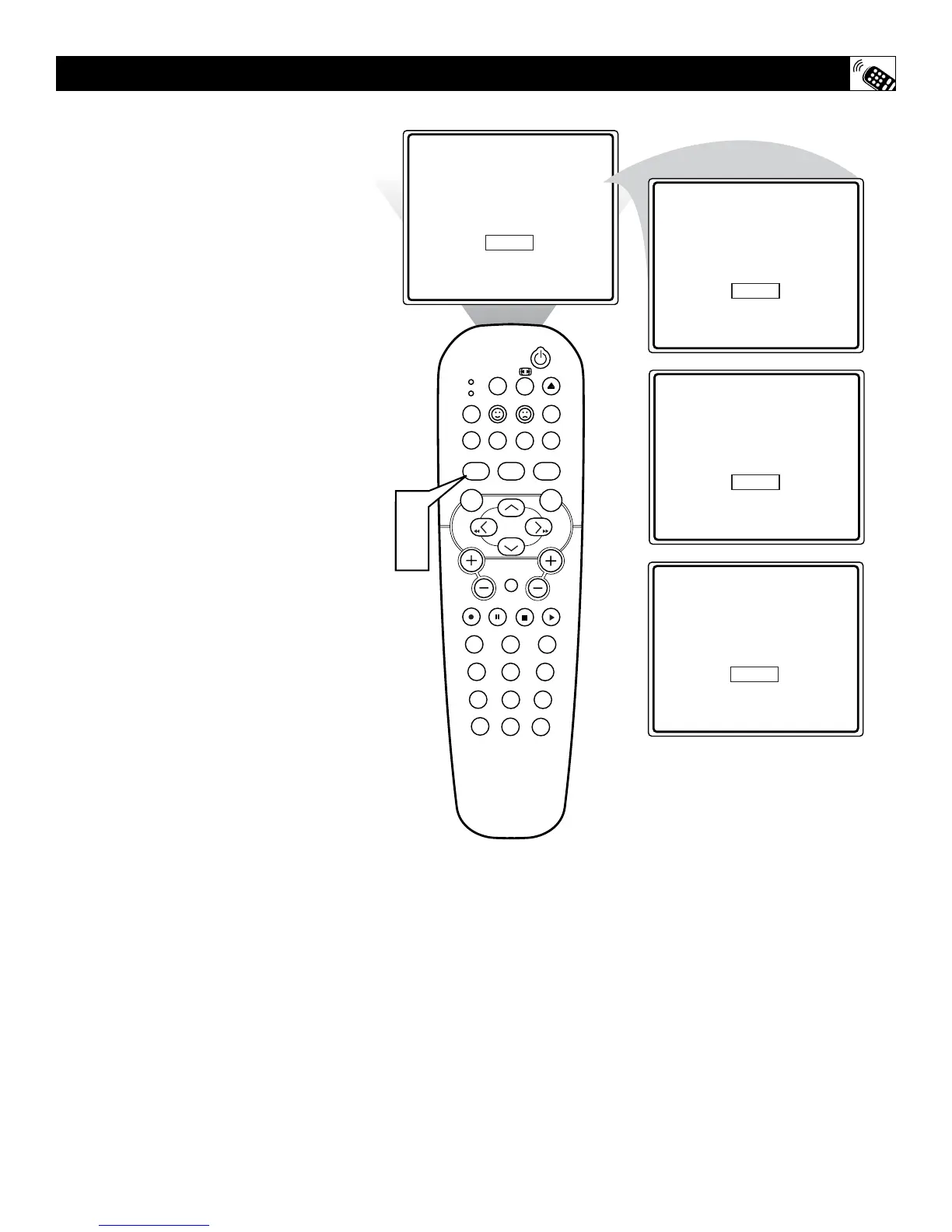
Press the SMART SOUND button on
the remote control. The current Smart
Sound setting will appear in the middle
of the screen.
2
Press the SMART SOUND button
repeatedly to toggle between the four
settings.
Note: Only the PERSONAL control can be
changed by the viewer. This changes the settings
in the main on-screen menu's sound controls.
THEATRE - Preset sound options for watching
movies.
MUSIC - Preset sound options for musical
programming where there is little dialogue.
VOICE - Preset sound options for program-
ming where heavy dialogue is present.
SETTING THE SMARTSOUND™ CONTROL







 To Next Page