the selected laganuage.
OPERATING THE DVD P
LAYER - REMOTE FEATURES
AUDIO BUTTON
S
electing an Audio Language is as easy as
press one button.
To Select the desired Audio Language:
1
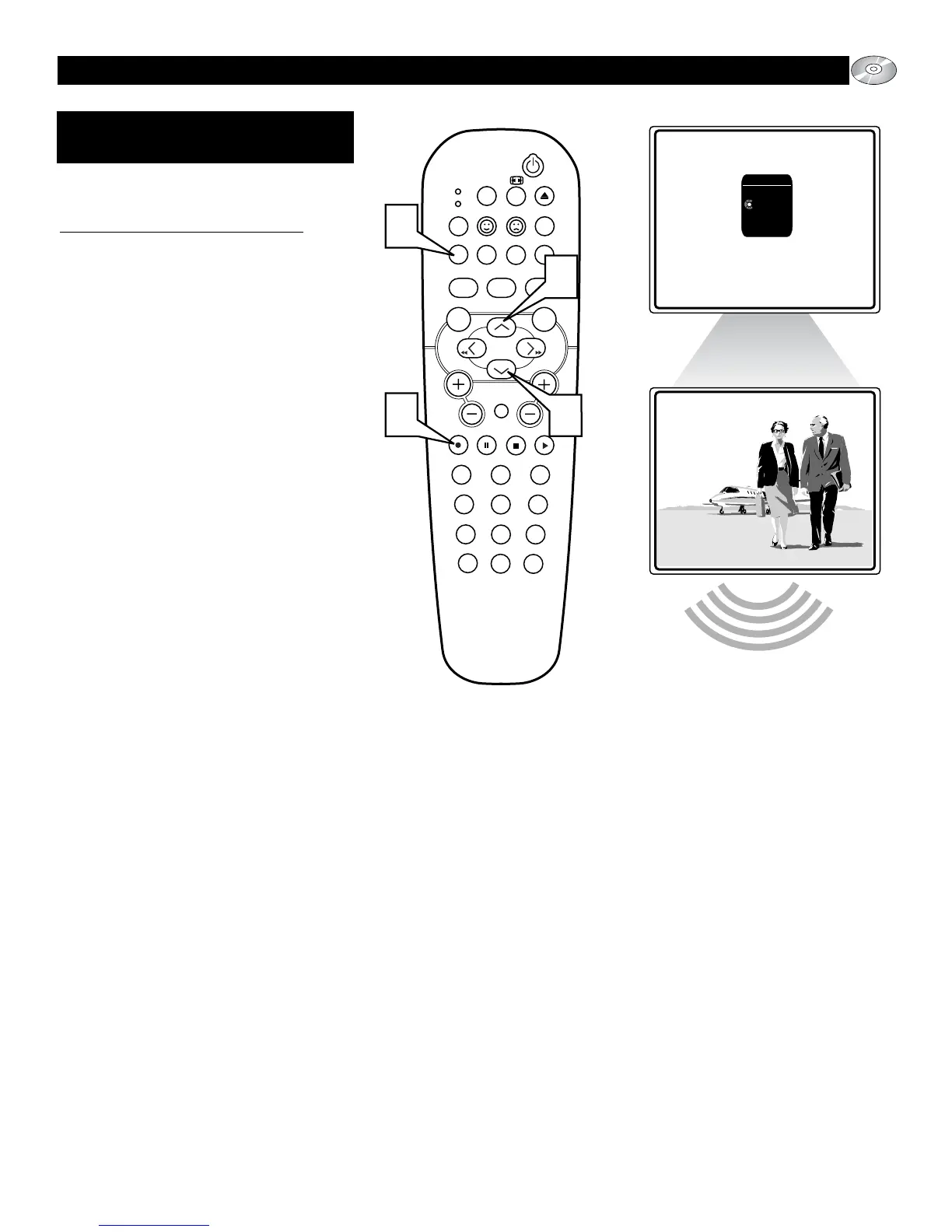
Press the red AUDIO button on the
remote control to display the on-screen
Audio menu.
2
Press the ▲ or ▼ button to scroll the
available language options.
3
Press the OK button to confirm the
selection and remove the menu bar
from the TV screen.






 To Next Page