46
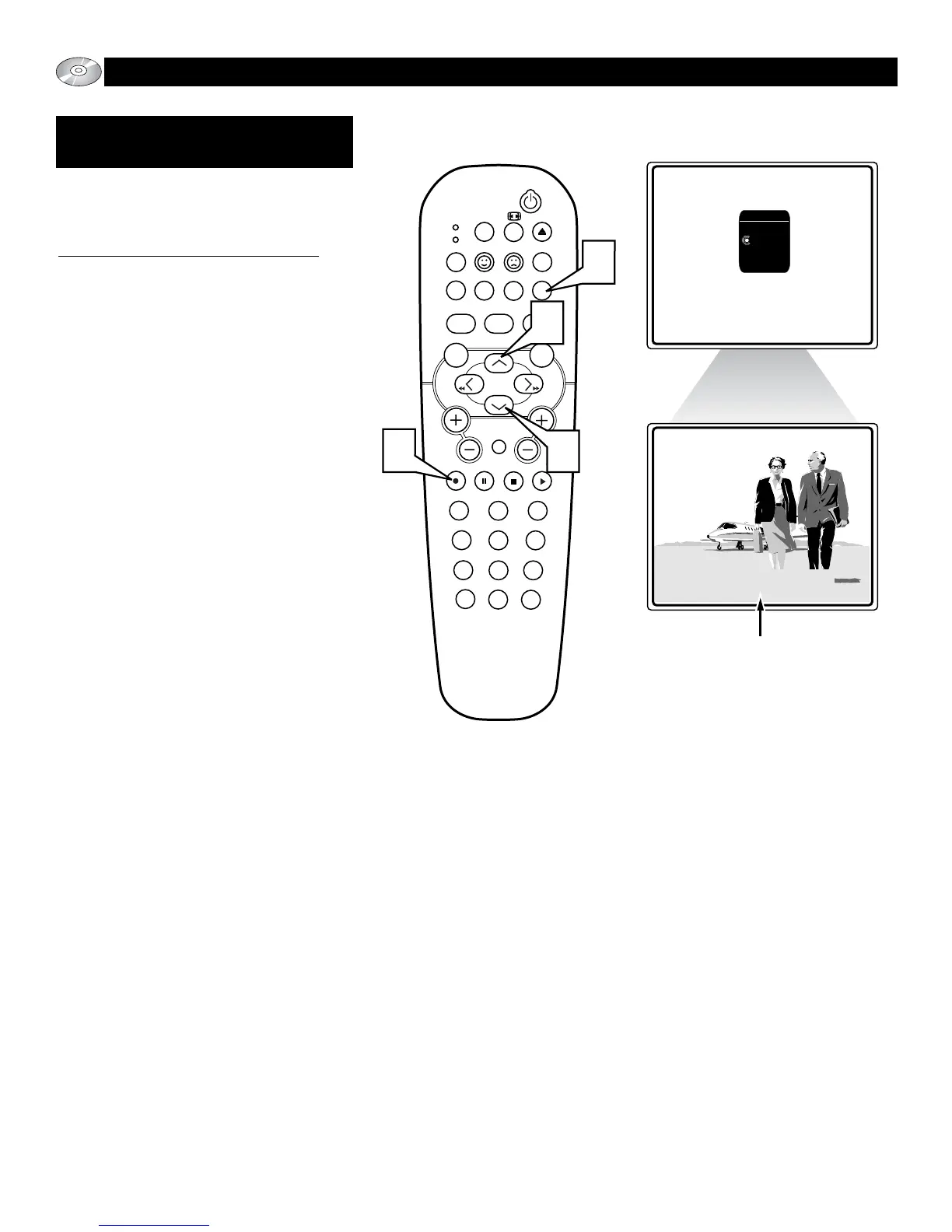
SUB-TITLE BUTTON
T
he Sub-title button will allow you to select
the desired Sub-title language quickly or
to turn the Sub-title option off.
To Select the desired Sub-title Language:
1
Press the blue Sub-title button on the
remote control to display the on-screen
Sub-title menu.
2
Press the ▲ or ▼ button to scroll the
available sub-title language options or
the option “none”.
3
Press the OK button to confirm the
selection and remove the menu bar
from the TV screen.
When “none” is the selection, no sub-
title will appear on the screen during
the playback of a disc.
the meeting for 4:00pm.
of the screen in the selected language.







 To Next Page