16
Getting started
Table of contents
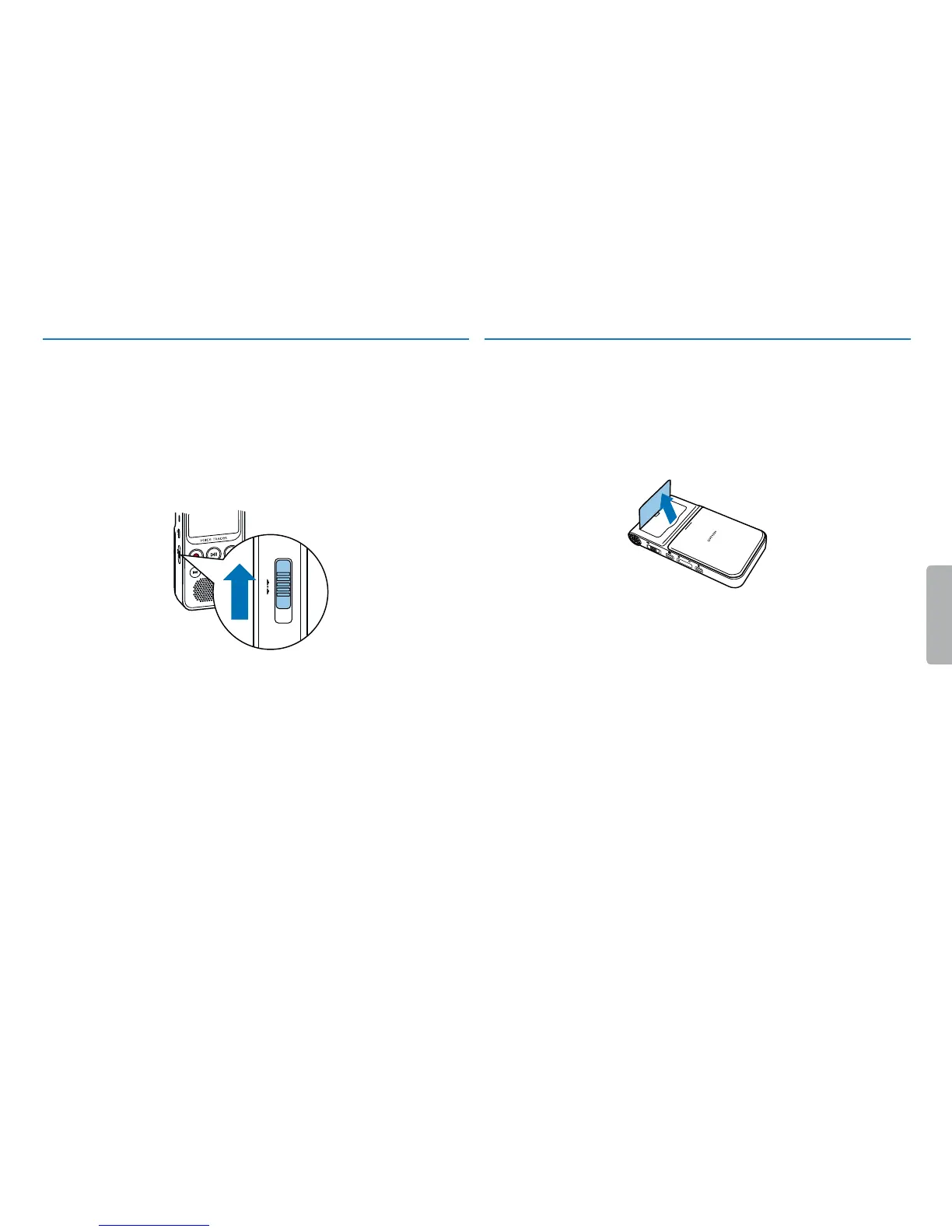
4.4 Enabling/disabling the keypad lock
The keypad lock deactivates all keys on the device. The device timer
function continues to operate.
1
Slide the ON/OFF switch on the side of the device up to the HOLD
position to lock the device keypad.
X The display briefly shows the lock symbol.
HOLD ON/OFF
2
Slide the ON/OFF switch on the side of the device to the center
position to disable the keypad lock.
4.5 Pulling out the stand
Use the stand on the rear of the device when you stand it on a table, for
example to record a meeting.
1
Pull out the stand on the back of the unit.
2
Place the unit on a flat surface, such as a table.












 To Next Page