Service Modes, Error Codes, and Fault Finding
EN 29JL2.1E AA 5.
Extra Info
• Error 1 (I
2
C bus 1 blocked). When this error occurs, the
TV will go to protection and the front LED will blink at 3 Hz.
Now you can partially restart the TV via the SDM short-cut
pins on the SSB. Depending on the software version it is
possible that this mechanism does not work. Update the
main software to have the latest status.
• Error 2 (I
2
C bus 2 blocked). When this error occurs, the
TV will go to protection and the front LED will blink at 3 Hz.
Now you can partially restart the TV via the SDM short-cut
pins on the SSB. Due to hardware restriction (I
2
C bus 2 is
the fast I
2
C bus) it will be impossible to start up the VIPER
and therefore it is also impossible to read out the error
codes via ComPair or via the blinking LED method. With
the knowledge that only errors 1, 2 and 4 result in a 3 Hz
blinking LED, the range of possible defects is limited. When
you have restarted the TV via the SDM short-cut pins, and
then pressed "CH+" on your remote control, the TV will go
to protection again, and the front LED blink at 3 Hz again.
This could be an indication that the problem is related to
error 2.
• Error 3 (I
2
C bus 3 blocked). There are only three devices
on I
2
C bus 3: VIPER, Stand-by Processor, and NVM. The
Stand-by Processor is the detection device of this error, so
this error will only occur if the VIPER or the NVM is blocking
the bus. This error will also be logged when the NVM gives
no acknowledge on the I
2
C bus (see error 44). Note that if
the 12 V supply is missing (connector 1M46 on the SSB),
the DC/DC supply on the SSB will not work. Therefore the
VIPER will not get supplies and could block I
2
C bus 3. So,
a missing 12 V can also lead to an error 3.
• Error 4 (I
2
C bus 4 blocked). Same remark as with error 1.
• Error 5 (VIPER does not boot). This error will point to a
severe hardware problem around the VIPER (supplies not
OK, VIPER completely dead, I
2
C link between VIPER and
Stand-by Processor broken, etc...).
• Error 12 (12 V error). Except a physical problem with the
12 V itself, it is also possible that there is something wrong
with the Audio DC Protection: see paragraph "Hardware
Protections" for this.
• Error 14 (Audio supply). The detection is done on the
audio board itself. Here, the absence of one of the audio
supplies is sensed, and will lead to protection and error 14
blinked. For LCD sets this circuit can be found on
schematic SA3, for PDP sets this can be found on
schematic C.
• Error 17 (MPIF 1 audio supply). This error indicates that
the 8V-AUD is missing on pin 98 of the MPIF. The result of
this missing supply will be that there is no sound on
external sources (you will have sound from tuner).
• Error 22 (MPIF 2 audio supply). Same remark as for error
17.
• Error 27 (PNX2015 HD subsystem part error).
Depending on the software version it is possible that the
detection mechanism of this error does not function.
• Error 28 (MOP/EPLD error). Due to the detection
mechanism of the MOP error it is possible that the actual
logging of the error can take up to 4 minutes (worst case).
So if you want to be sure there is a MOP error, reset the
error buffer, restart the TV and wait for 4 minutes before
checking the error buffer again. The detection mechanism
for this error has been changed to avoid “false” MOP
errors.
• Error 29 (AVIP1). This error will probably generate extra
errors. You will probably also see errors 32 (MPIF) and
error 31 (AVIP 2). Error 29 and 31 will always be logged
together due to the fact that both AVIPs are inside the
PNX2015 and are on the same I
2
C bus. In this case start
looking for the cause around AVIP (part of PNX2015).
Depending on the software version it is possible that the
detection mechanism of this error does not function.
• Error 31 (AVIP2). See info on error 29.
• Error 44 (NVM). This error will probably never occur
because it is masked by error 3 (I
2
C bus 3). The detection
mechanism for error 3 checks on an I
2
C acknowledge of
the NVM. If NVM gives no acknowledge, the stand-by
software assumes that the bus is blocked, the TV goes to
protection and error 3 will be blinking.
• Error 53. This error will indicate that the VIPER has started
to function (by reading his boot script, if this would have
failed, error 5 would blink) but initialization was never
completed because of hardware peripheral problems
(NAND flash, ...) or software initialization problems.
Possible cause could be that there is no valid software
loaded (try to upgrade to the latest main software version).
Note that it takes 90 seconds before the TV goes to
protection in this case.
• Error 55 (SPIDER error). Depending on the software
version it is possible that the detection mechanism of this
error does not function.
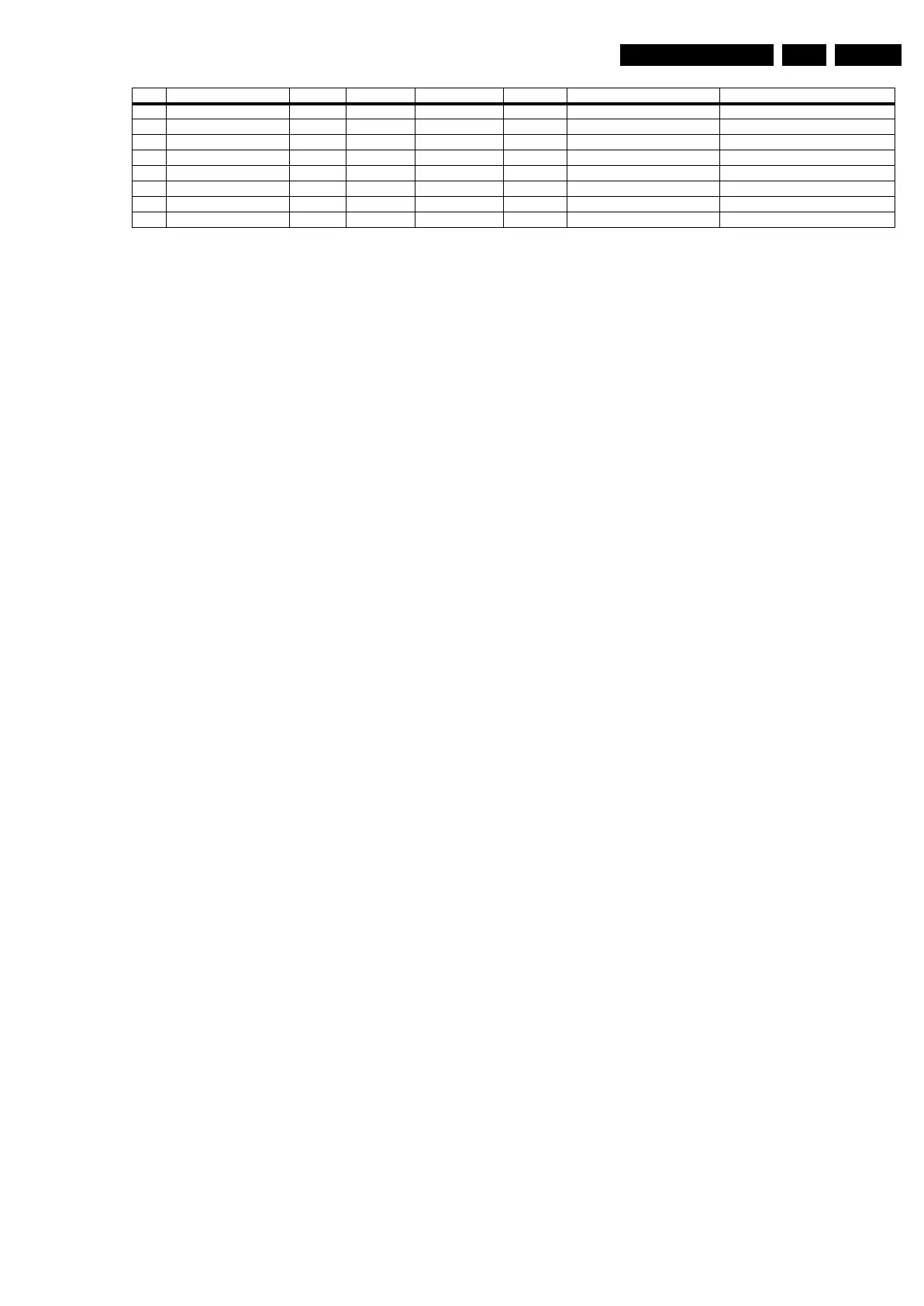
34 Tuner1 E VIPER / B2 Tuner 1 Error logged
35 Tuner2 E VIPER / B3 Tuner 1 Error logged
38 I/O Expander audio E VIPER PCA9554 B14B Audio I/O Expander Error logged
43 Hi Rate Front End E VIPER TDA9975 B11B HDMI Error logged
44 Main NVM E VIPER M24C64 B8A / Error logged
45 Columbus 1 E VIPER PNX2015 B5E Comb filter Error logged
53 VIPER P Stby µP PNX8550 B7A / Protection + Error blinking
55 SPIDER E VIPER / B6A Video Featuring Error logged
Error Description Error/Prot Detected by Device Schematic Defective module Result










 To Next Page