Service Modes, Error Codes, and Fault Finding
EN 31JL2.1E AA 5.
5.8 Fault Finding and Repair Tips
Read also paragraph "Error Codes" - "Extra Info".
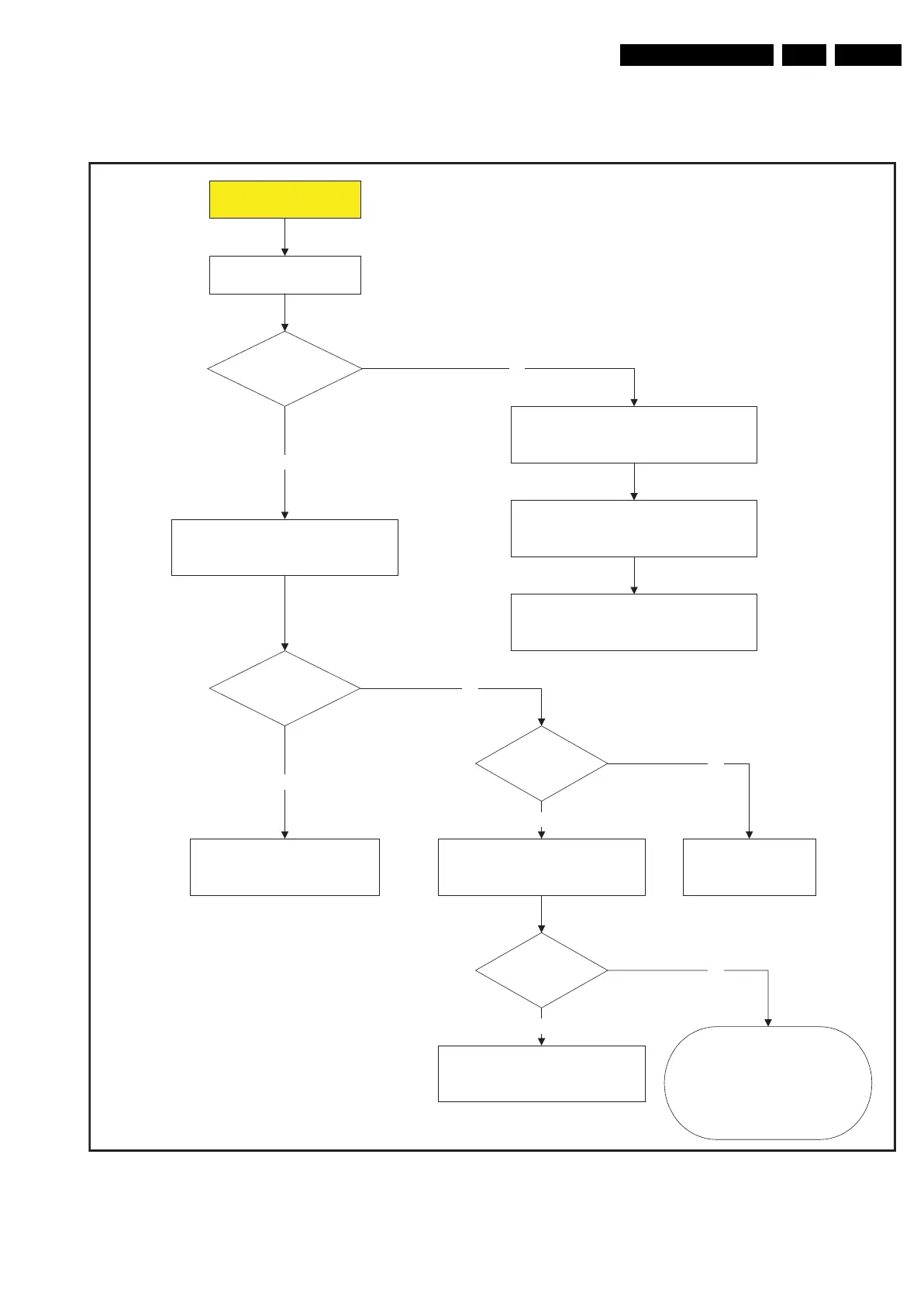
Figure 5-11 First line fault find tree
F_15710_186.eps
260905
No operation
Check if
LEDs on Jaguar
Board are "on"?
Check LEDs on SSB
See SSB LED overview (ch. 9)
Check Power supply to SSB:
Con. 1M46 5V Sw, 8V6, 12V, VTun
See diagram SA1
Yes
No
Set is connected to mains
ON/OFF switch is "on"
Standby LED
is "on"?
Yes
Check 300V from Main filter on connector 1306.
Primary (hot) ground!
Check fuse1314 & 1315 on main supply
If 300V mains filter is OK
check standby supply output voltages
con.1M46 on Jaguar board 5V2 on pin 7
If 5V2 is not OK
Disconnect 1M46 and check Standby Supply
No
Set is in standby.
Switch set "on" via local Keyboard or RC
Relay 1350/1450
is closed?
Check 12V from main supply to standby
supply con. 1304 pin 3 & 4
Yes
12V is OK?
Check standby line
Cn 1M03
pin 7 must be "low"
No
Yes
Main Supply defective?
Disconnect Power supply and I²C to
Ambilights module.
Disconnect Power supply to LCD Inverter?
Short circuit on MS?
Repair main supply
Short circuit on SSB?
No











 To Next Page