Cleaning instructions Cleaning
57
4522 207 12671 * 2021-06-17
Pathology Scanner SG20 / SG60 / SG300
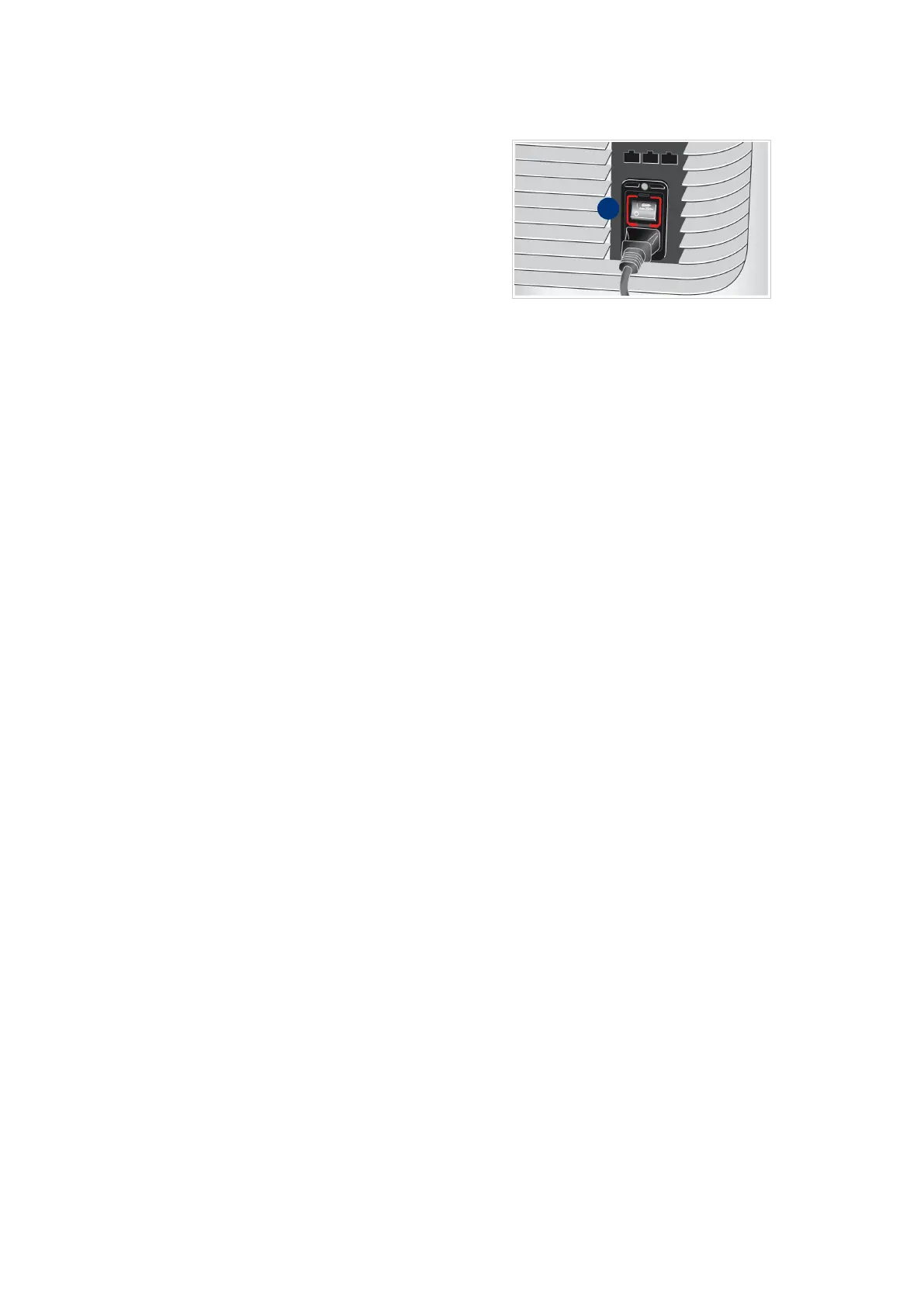
41. Use the power switch (I) on the
rear side of the scanner to start the
power supply.
42. Select the power button on the front.
43. Log in as an administrator user.
44. Start a manual calibration, see chapter “Manual calibration” on page 44.



 To Next Page