Troubleshooting procedures Troubleshooting
77
4522 207 12671 * 2021-06-17
Pathology Scanner SG20 / SG60 / SG300
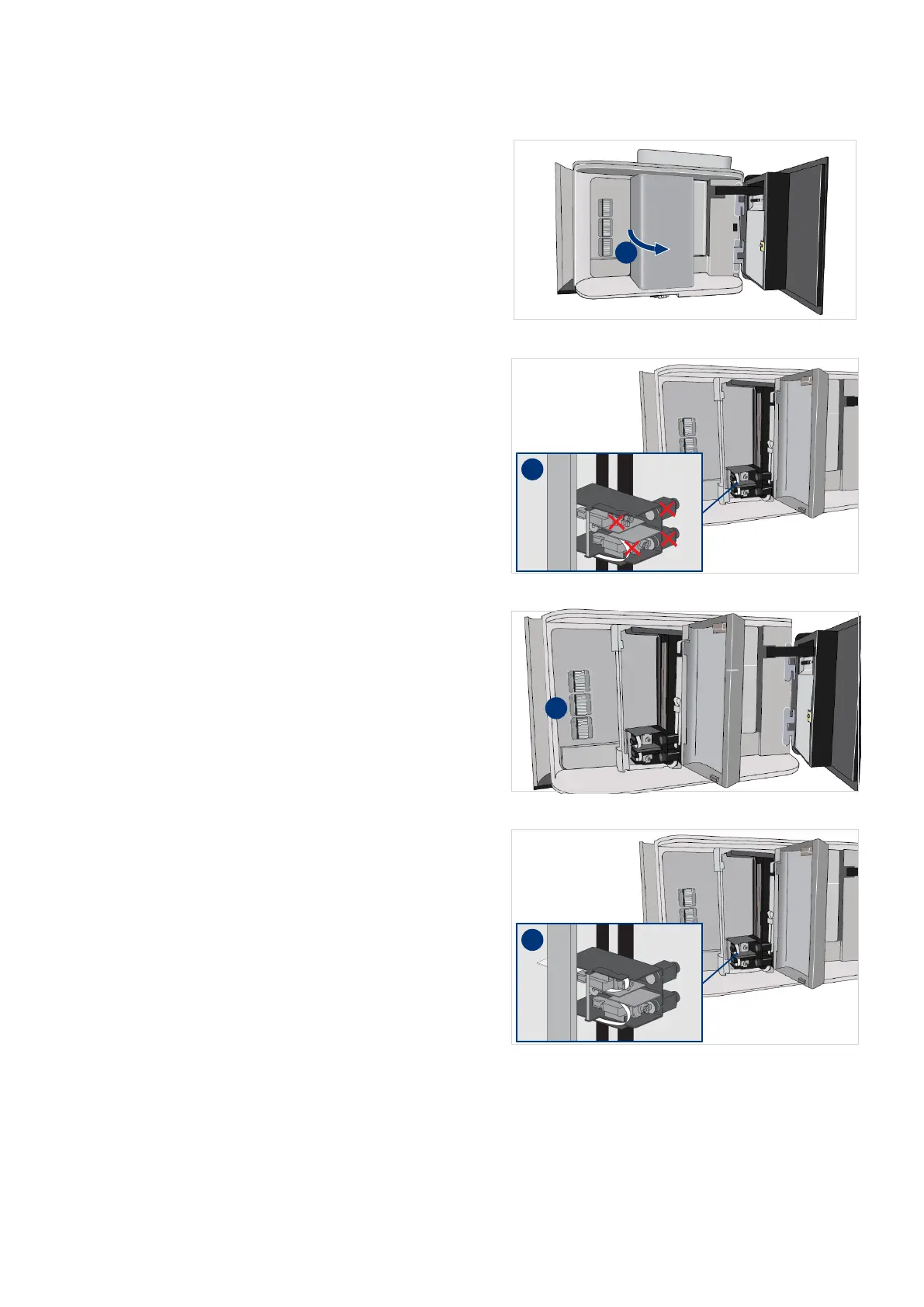
11. Open the handler door (I).
12. Do not to touch the gripper motors
(I). Only use the knobs to remove a
slide from a gripper.
13. Check for slides sticking out of the
racks in the store (I).
14. If necessary, place the sticking out
slides as far as possible into the
racks.
15. Check for grippers or slides sticking
out of the handler (I).



 To Next Page