Troubleshooting procedures Troubleshooting
85
4522 207 12671 * 2021-06-17
Pathology Scanner SG20 / SG60 / SG300
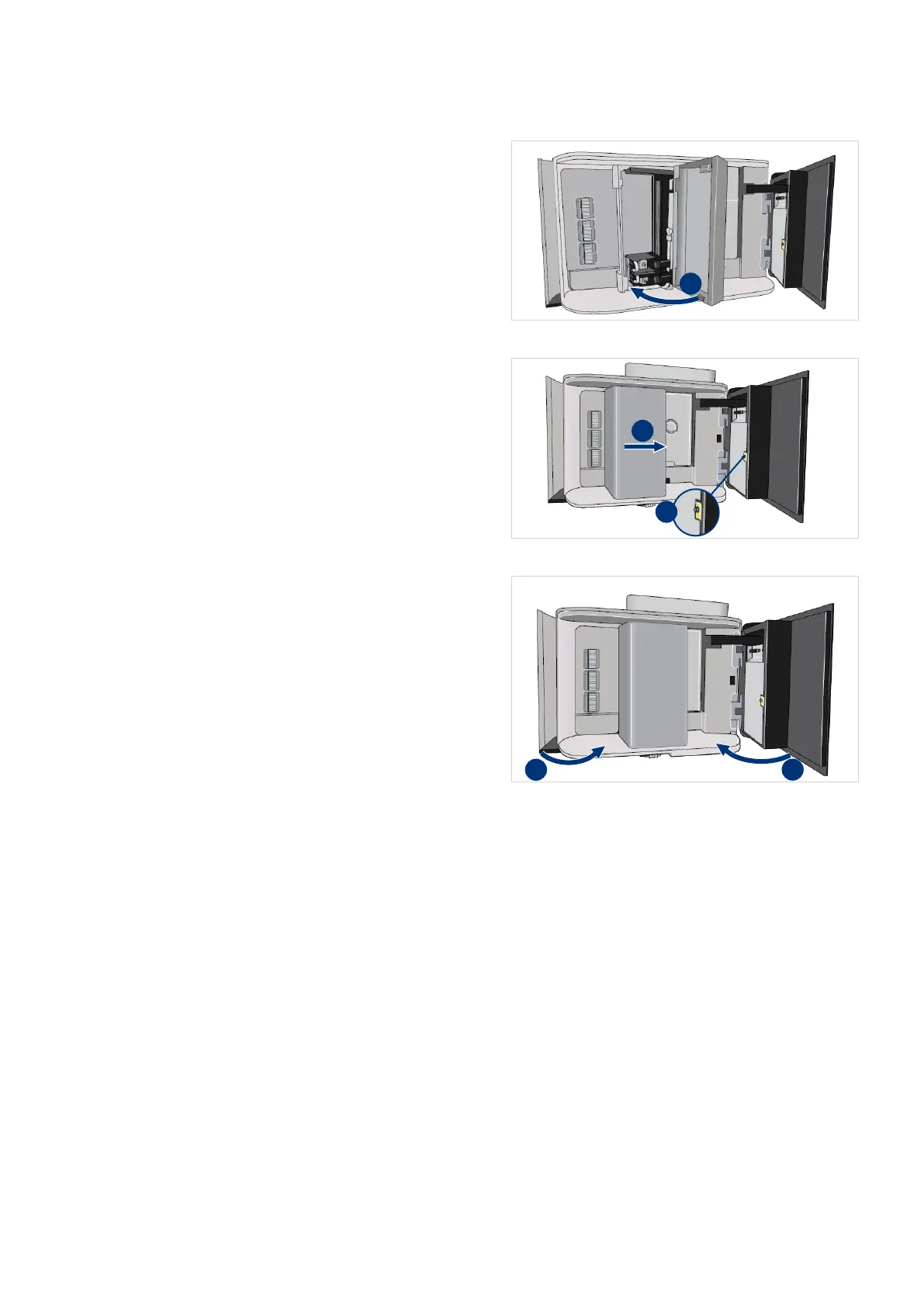
19. Close the handler door (I).
20. Make sure the door is completely
closed.
21. Carefully push the handler as far to
the right as possible (I).
22. Disconnect the cable from the ESD
bonding point (II).
23. Close the maintenance door.
24. Close the store door.
25. Select the power button on the
front to switch the scanner on.



 To Next Page