19
English
Cleaning
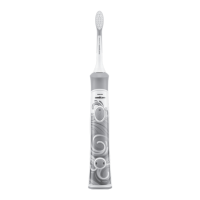
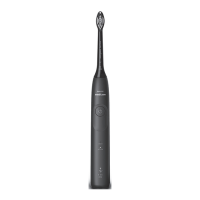
Toothbrush handle
1
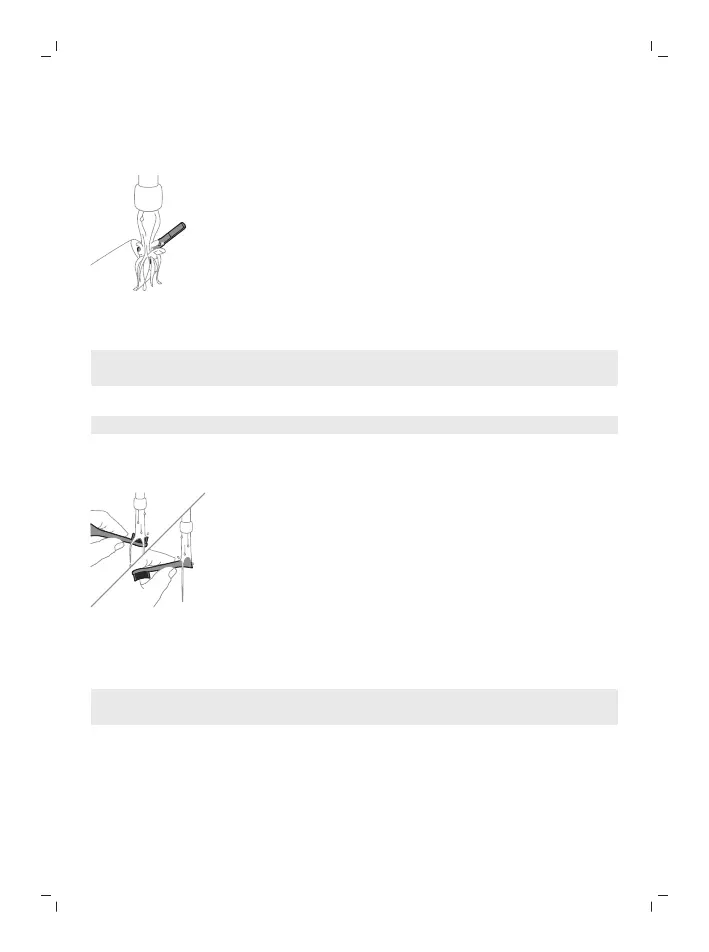
Remove the brush head and rinse the metal shaft area and buttons with
warm water. Make sure you remove any residual toothpaste on the handle
and around the buttons at least once a week, but preferably after each use.
Caution: Do not push on the rubber seal on the metal shaft or around
buttons with sharp objects, as this may cause damage.
2
Wipe the entire surface of the handle with a damp cloth.
Note: Do not tap the handle on the sink to remove excess water.
3
Dry the handle with a soft cloth or towel.
Brush head
1
Rinse the brush head and bristles after each use.
2
Remove the brush head from the handle and rinse the brush head
connection with warm water at least once a week. Rinse the travel cap as
often as needed and air dry. Use only on a dry brush head.
Note: The brush head cap is used for shipping purposes and is not intended for
continued use.
Charger
1
Unplug the charger before you clean it.
2
Wipe the surface of the charger with a damp cloth.
3
Dry the charger with a soft cloth or towel.





 To Next Page