8
English
This symbol means to use the indicated power supply.
Intended use
Sonicare power toothbrushes are intended to remove adherent plaque and
food debris from the teeth to reduce tooth decay and improve and maintain
oral health.
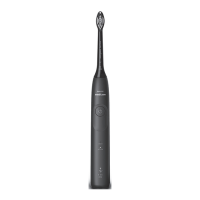
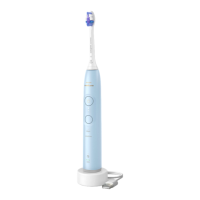
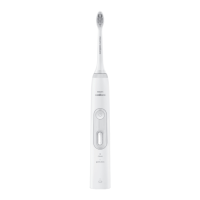
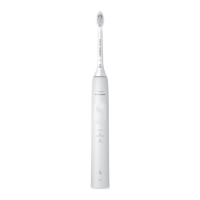
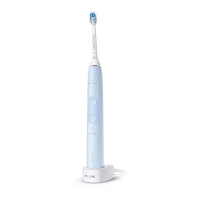
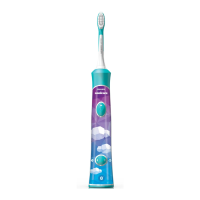
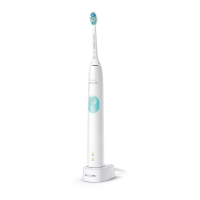
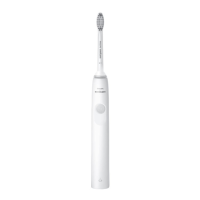
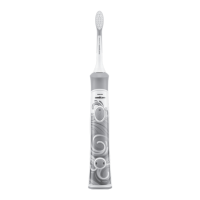
Your Philips Sonicare (Fig 1.)
1 Handle
2 Power on/off button
3 Modes (depending on model)
4 Brush head replacement reminder
5 Battery indicator
Accessories:
6 Brush head cap
7 Brush head(s)
8 BrushSync symbol
9 USB charger (wall adapter not included)
10 Travel case
Note: Accessories included may vary based on the model purchased.
Note: Wall adapter not included. We recommend any compatible IPX4 splash-
proof adapter (identifiable by the "IPX4" text or symbols on the adapter).
Getting started
Attaching the brush head





 To Next Page