56 EN EN 57
4 Start to Use
4.1 Power On/Off
Reminder
• Please recharge the device for three hours before using it
for the first time!
• Slide the Power On/Off to ON to start the device in
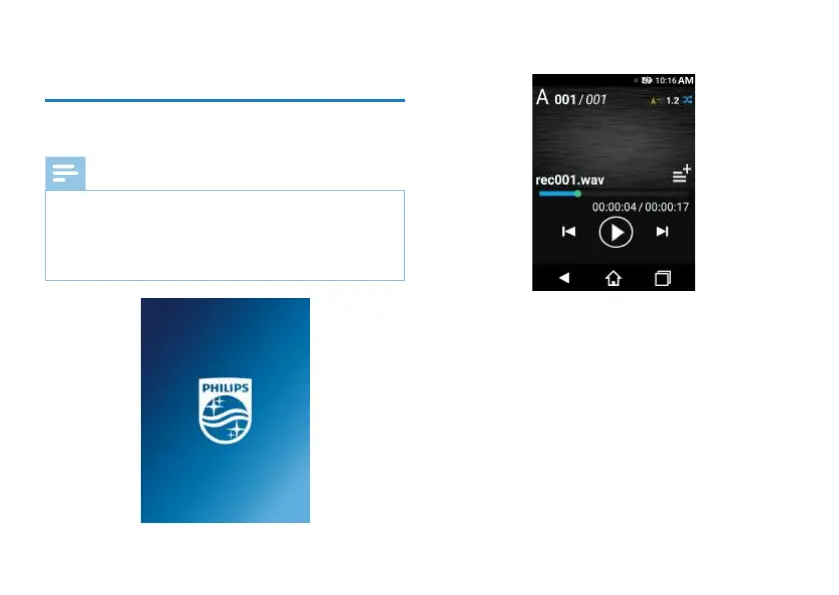
around 3 to 4 seconds and then display “Philips icon” as
shown below.
Then the device enters recording playback interface as below:
Reminder: The device is switched on or o by Power On/O
as follows:
Power O: When in the power-on state, slide the Power On/
O to O to switch o the device automatically.
Power On: When in the power-o state, slide the Power On/
O to On to switch on the device and display “Philips icon”
in around 3 to 4 seconds.
Reminders:
1. Do not turn on and o for too many times. For example,
do not turn o when starting, or turn on when shutting
down. Otherwise, screen display will be aected.














 To Next Page