EN 59
English
5 Voice Recording
5.1 Voice Recording Mode
Before using the device, please read carefully the following
instructions.
(1) From the recording setting under the main menu select
“File Folder Selection” to select the folder you prefer.
(2) From the recording setting under the main menu select
“Record Type”.
(3) Slide the recording button to “REC” to start recording;
please place the built-in microphone towards the source of
sound.
(4)Press “ ” button to pause recording, then the display
shows “Pause”.
(5) Press “ ” button again to resume recording.
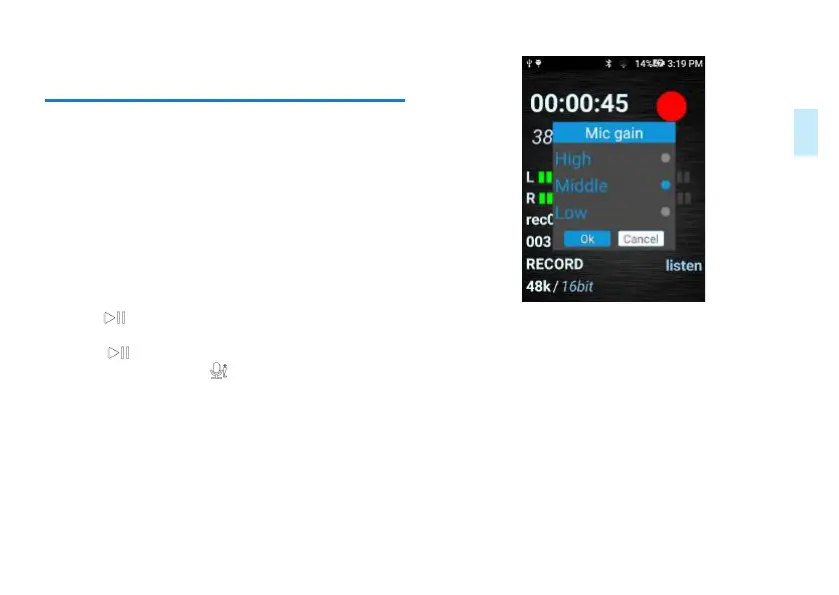
(6) When recording, press “ ”button to choose “high,
medium or low” for gain recording. Please choose a suitable
one in order to make your preferred quality recording.
Sample Reference Interface for Gain Setting:
(7) Slide the recording switch to “STOP” to end recording,
the device returns to the stopped playing interface of current
recorded file.
Screenshot of voice recording interface is as follows:














 To Next Page