92 EN EN 93
click “OK” to exit.
Reminders:
1. The mobile phone control function can only be used in a
sound network environment.
2. When using mobile phone control function, you must
change “standby mode during WIFI mode” into “Always”.
3. As long as there is sound connection, you can achieve
remote control without territorial limit.
Enter the main interface of mobile App to record audio and
video, scan or switch over devices.
11.7 Professional Tools
Professional tools include e-mail, browser, calendar and
setting tools.
11.8 Software
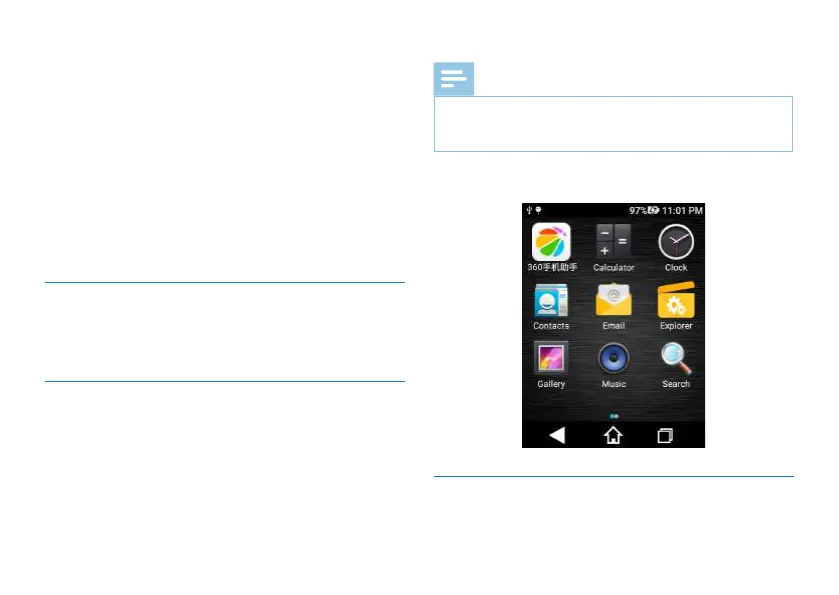
Software includes calculator, clock, contacts, photos, camera,
resource manager:quick installation, music and other apps
downloaded by the user.
Note
• Please do not install large applications which are
demanding for the system, such as games, otherwise
performance of the device can be affected.
Applications interface is shown below:
11.9 Voice Recording Setting














 To Next Page