EN 57
English
2. Reset after crush: When this recorder requires resetting,
you must press button “Power OFF” and then press “Reset”
button to reset.
Reminder
• The device is switched on or off by Power On/Off as
follows:
• Power Off: When in the power-on state, slide the Power
On/Off to Off to switch off the device automatically.
• Power On: When in the power-off state, slide the Power
On/Off to On to switch on the device and display “Philips
icon” in around 3 to 4 seconds.
• If the device cannot work normally, please make sure the
device is not out of power.
• When the battery indicator shows the battery as being
fully empty, please charge the device promptly.
4.2 Recharge
(1) Connect the device with PC through USB cable.
(2) Use the specified charger to charge the device.
Reminders: 1. When charging the recorder by using the
charger, the main menu will be displayed during charging
regardless whether the power button is on or o. When
100% indicator shows up in the right above corner of the
screen, it indicates that charging is 100% completed.
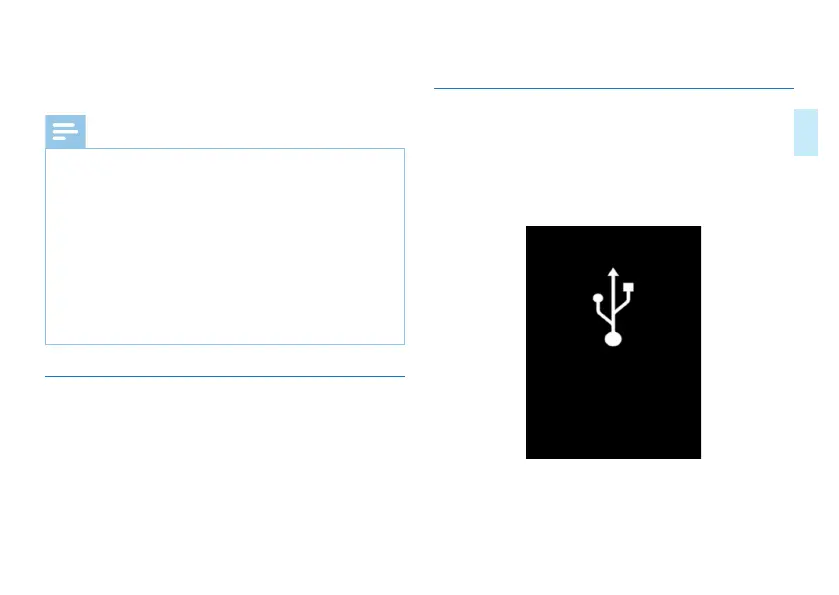
4.3 PC Connection
The device can be used as a USB mass storage to
conveniently store, back up and move files. Link the device to
a computer with a USB cable without the need to install any
software.














 To Next Page