72 EN EN 73
• Click “Delete Video” to delete the current video.
• To delete all videos, long press the “ ” button in the
video list and the Delete File dialogue box will pop up.
For detailed instructions, please refer to section 6.4.
8.1 Video Playback
(1) In the video list, use “+” or “-” to select the video to be
played;
(2) Press “ ” to start playing;
(3) Use “+” or “-” to adjust the volume;
(4) Press “ ” to end playing and return to the video
selection menu;
(5) During playing, press “ ” to suspend playing, press “
” again to resume replaying;
(6) During playing, long press “” or “” to fast forward or
rewind the current video.
Reminders
• When the earphone is inserted into the earphone, the
speaker of the recorder will stop working;
• Touch the Play/Stop icon to suspend or resume playing;
• During video playing, scroll "Playing Progress Bar" to fast
forward or rewind.
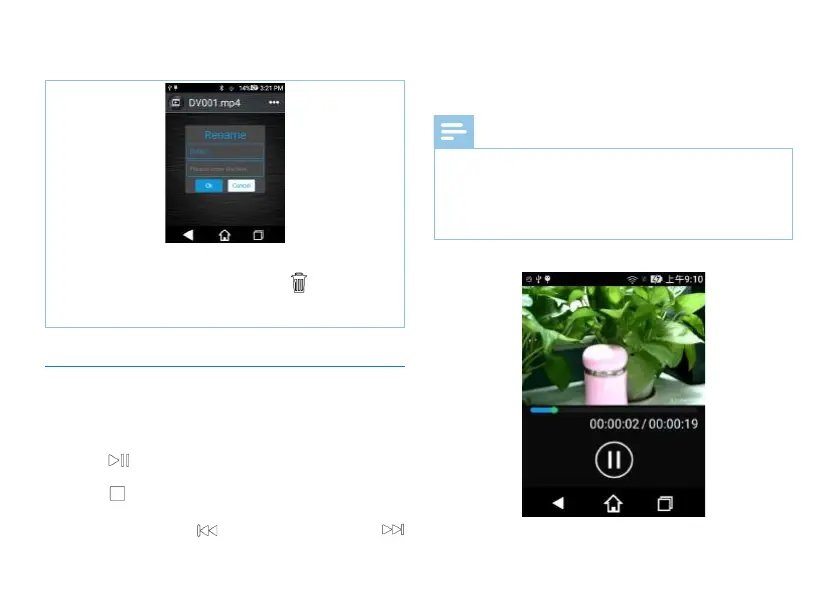
Interface for video file playing is shown below:














 To Next Page