EN 71
English
8 Video Playback Mode
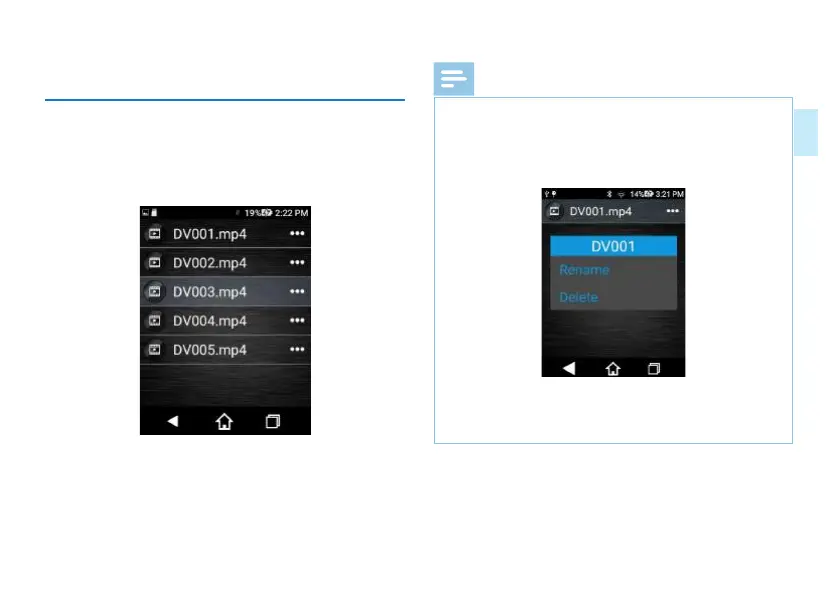
Automatically enters the video file selection interface after
the video is saved; or click "Video Playback" in the main
interface to enter the video file selection interface. Click the
video file for playback in the selection interface. Screenshot
of video file selection interface is as follows:
Reminders
• 1. Click the "..." icon behind the video file selection
interface to pop up "Modify File Name" and "Delete
Video" box.
• The interface popping up is shown below:
• Click “Modify File Name” to modify name of the current
video file.
• The interface for modifying file name is shown below:














 To Next Page