68 EN EN 69
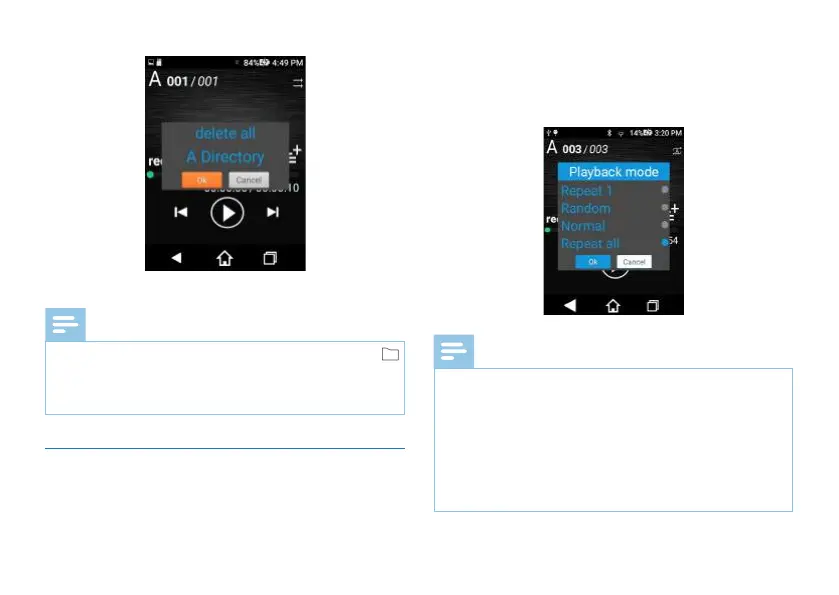
Click "Yes" to delete all files; click "No" to cancel deletion.
Reminder
• To Delete Other File Folders, during stop press “
”button to switch over file folders A, B, C and D, or click
"Current Folder" to switch between A, B, C and D
folders.
6.5 Playing Mode
On the Recorded Audio Play interface, shortly press “” and
see a dialogue box show up. Then click “Paying Mode” to
enter into the playing mode interface. The playing modes
include: singles play, random play, common play and All play.
See below on playing mode setting:
Reminder
• Singles Play: One single file will be played for countless
times.
• Random Play: Play the files in the current folder in a
random manner.
• Common Play: The files will be played in sequence and
playing stops when all files have been played.
• All Play: The files selected will all be played in consecutive
loops.














 To Next Page