80 EN EN 81
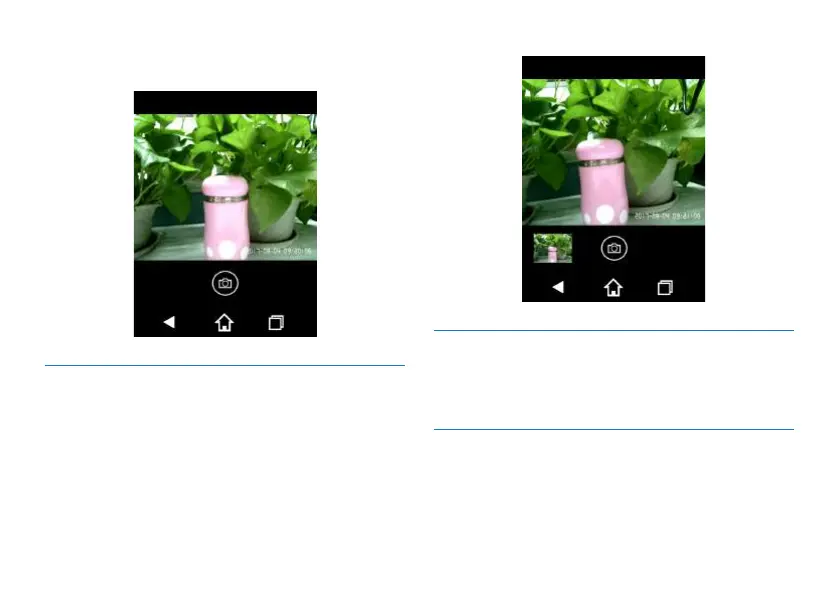
“Shoot” icon and shoot a photo. The interface for shooting
preview is shown below:
11.3.2 Photo Viewing Interface
After a photo is shot, you can preview it in the lower left
corner. If you click on it, you can see it in full screen.
The interface for shooting photo is shown below:
11.4 Voice-to-Text
To convert audio into text. Please refer to the voice-to-text
mode.
11.5 Sharing via Internet
Share your audio, video and photos via internet and
Bluetooth. Screenshot of sharing interface is as follows:














 To Next Page